46
A
DVANCED RECORDING
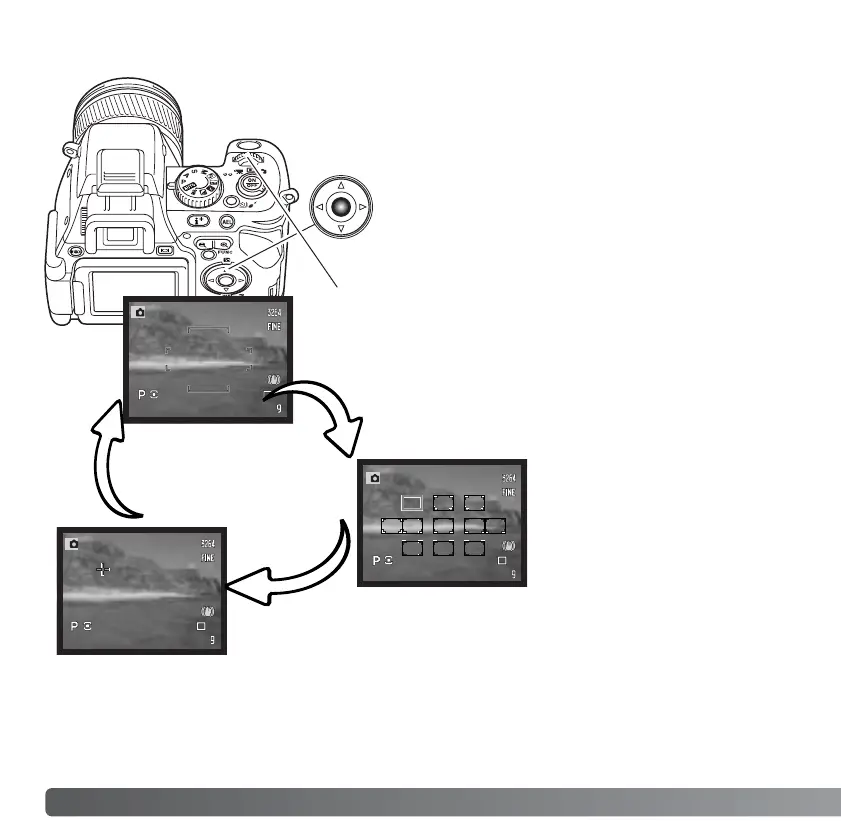
AF-area modes can be selected between the wide focus
frame, spot AF area, and Flex Focus Point. The AF-area
modes cannot be changed when using the digital zoom.
CHANGING AF-AREA MODES
Press the center button of the controller; the
active focus frame turns blue.
Use the four-way keys of the controller to select the spot AF area or move the Flex Focus
Point. Press the center of the controller or press the shutter-release button partway down
to set the AF-area; the selected AF area turns white. See instructions in the following
pages.
Turn the control dial to cycle through the AF-area
modes.
Wide focus area - a general purpose focus area. Its
operation is described in the basic recording section (p.
30).
Spot AF areas - eleven
selectable focus areas (p.
47).
Flex Focus Point - a cross-hair focus point that can be placed
anywhere in the image area (p. 48).














 To Next Page