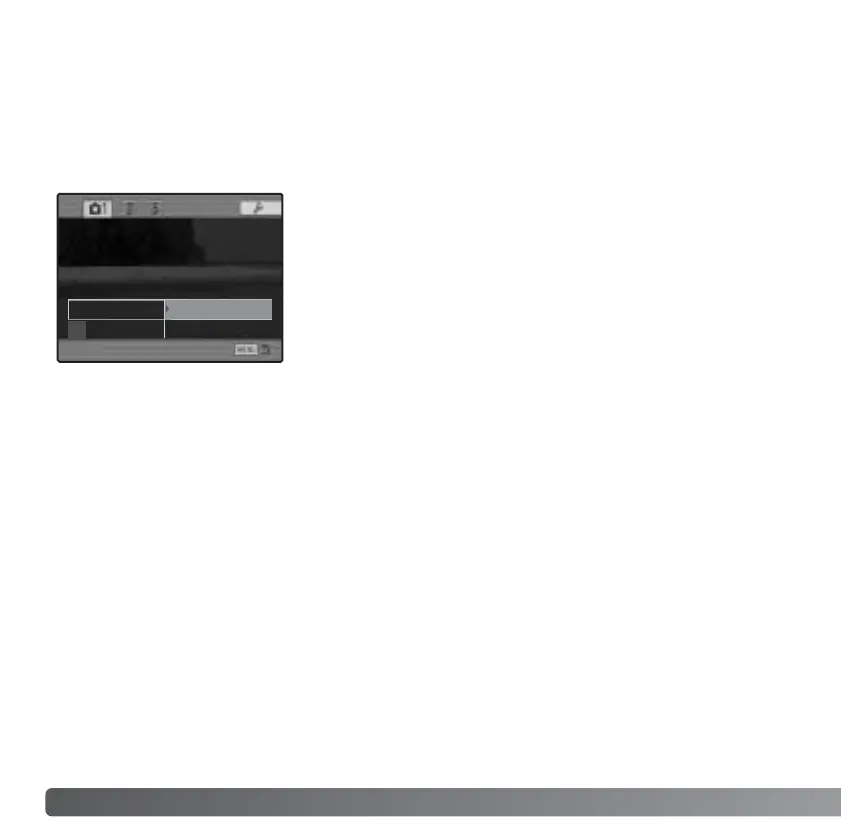
When the AEL button is pressed and held, the exposure is locked. The exposure
remains locked after an image has been captured until the AEL button has been
released (hold setting) or pressed again (toggle setting). How the button operates can
be changed in section 1 of the recording menu (p. 84).
92
R
ECORDING MENU
AEL BUTTON
AE hold - The default setting. Press and hold the AEL
button to lock the exposure. The exposure remains
locked until the AEL button is released.
AE toggle - Press and release the AEL button to lock
the exposure. To cancel the exposure lock, press the
AEL button again.
These menu options do not affect the operation of the
manual shift function (p. 56).
Image size
Quality
Spot AE area
Flash control
AEL button
AE hold
Reset
AE toggle














 To Next Page