SAFETY AND IMPORTANT WARNING ITEMS
S-5
2. Installation Requirements
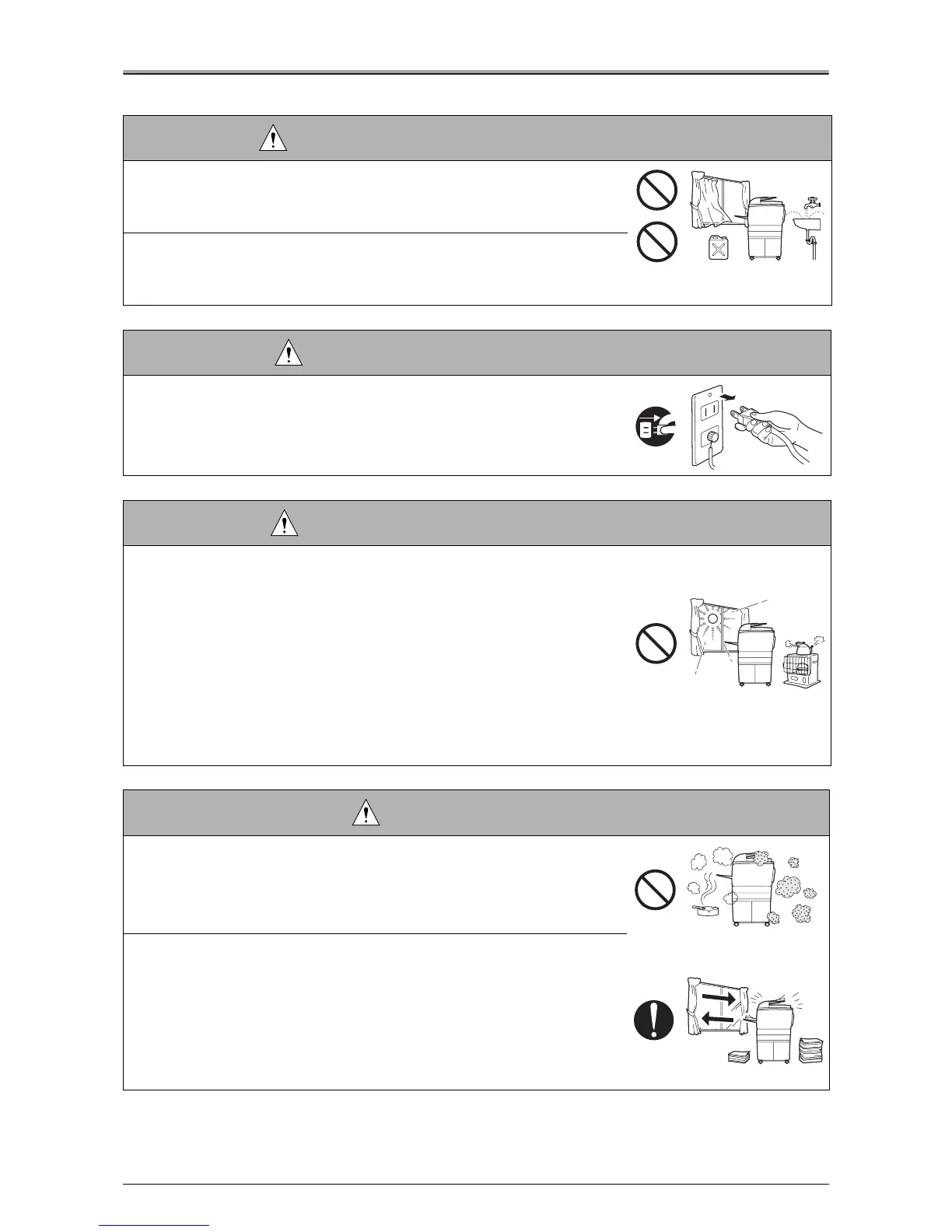
WARNING: Prohibited Installation Place
•
Do not place the copier /
print controller units
near flammable materials
such as curtains or volatile materials that may catch fire.
A risk of fire exists.
•
Do not place the copier /
print controller units
in a place exposed to water
such as rain water.
A risk of fire and electric shock exists.
WARNING: Nonoperational Handling
•
When the copier / print controller units are not used over an extended
period of time (holidays, etc.), switch it off and unplug the power cord.
Dust collected around the power plug and outlet may cause fire.
CAUTION: Temperature and Humidity
•
Do not place the copier /
print controller units
in a place exposed to direct
sunlight or near a heat source such as a heater.
A risk of degradation in copier / print controller units performance or
deformation exists.
Do not place the copier /
print controller units
in a place exposed to cool
wind.
Recommended temperature and humidity are as follows:
Temperature: 10°C to 30°C
Humidity: 10% to 80% (no dew condensation)
Avoid other environments as much as possible.
CAUTION: Ventilation
•
Do not place the copier /
print controller units
in a place where there is
much dust, cigarette smoke, or ammonia gas.
Place the copier /
print controller units
in a well ventilated place to pre-
vent machine problems and image faults.
•
The copier generates ozone gas during operation, but it is not sufficient to
be harmful to the human body.
If a bad smell of ozone is present in the following cases, ventilate the
room.
a. When the copier is used in a poorly ventilated room
b. When taking a lot of copies
c. When using multiple copiers at the same time












 To Next Page