Appendix
Appendix-2
●
Starting Capture
Make sure that a hard disk is attached to the print controller.
Operation Procedure
1.
Press the copier’s main power switch ON.
2.
Press the [SCAN/PRINT] button on the operation panel.
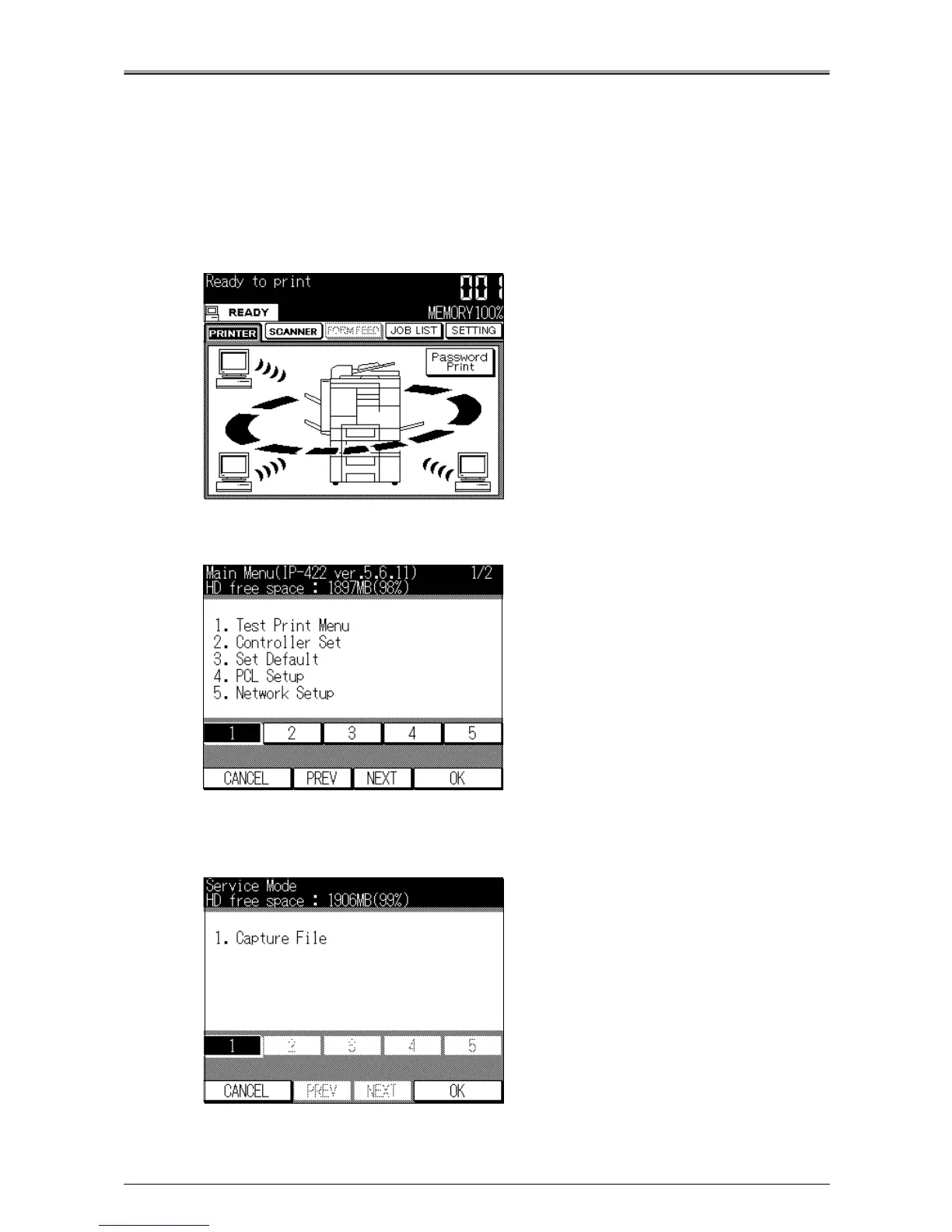
[Printer basic mode] screen will appear.
3.
Press the [SETTING] key.
[Main Menu] screen will appear.
4.
Press the [Stop] button on the operation panel, and press the number button on the
operation panel to select "3069", then press the [Start] button.
[Service Mode] screen will appear.












 To Next Page