Appendix
Appendix-3
5.
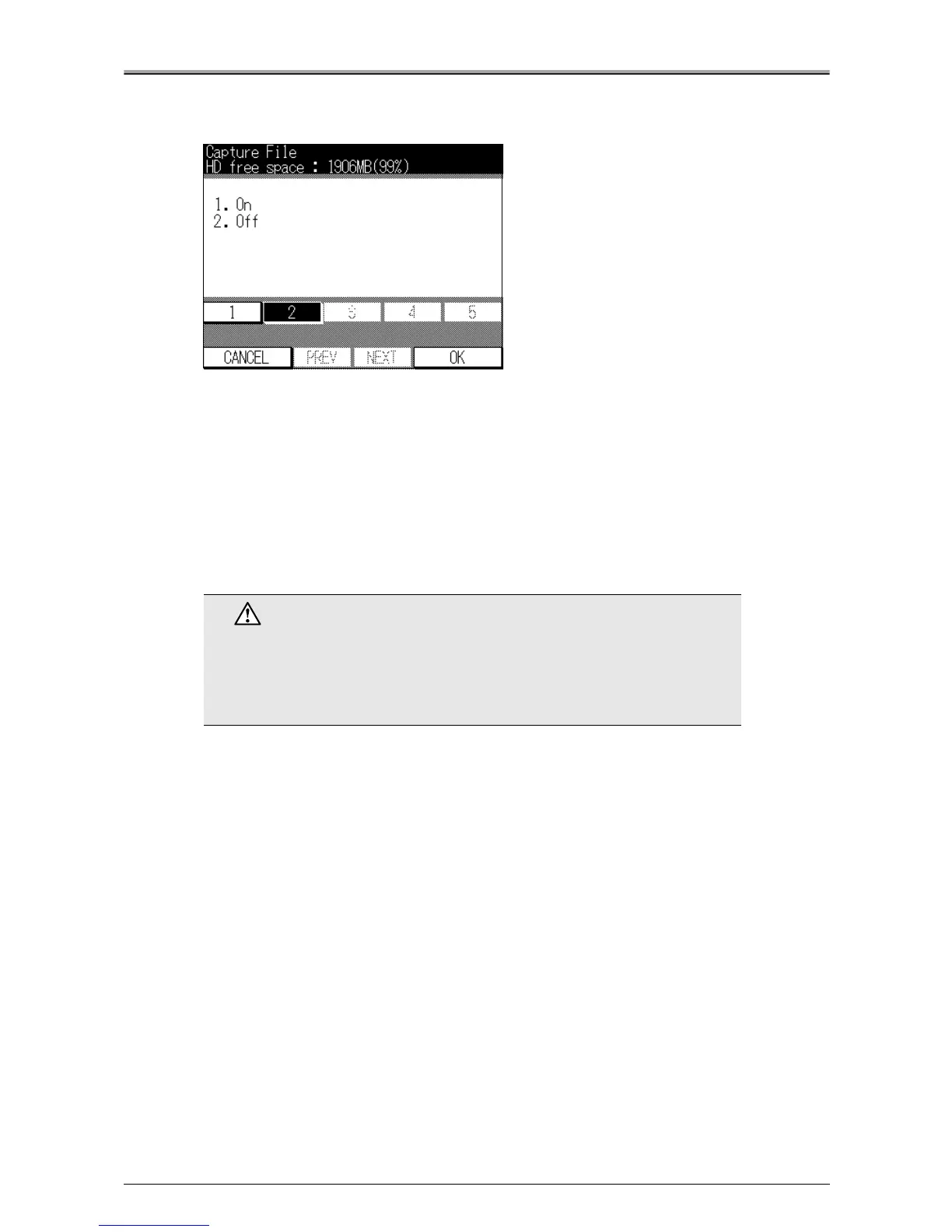
Press [1] key, and then press the [OK] key.
[Capture File] screen will appear.
6.
Press [1] key, and then press the [OK] key.
The [Service Mode] screen is displayed again. Capture mode is now set to ON.
7.
Press [Cancel] key, to return to the [Printer basic mode] screen.
Canceling Capture Mode
Select [2] in step 6 of the procedure above. The other steps are the same as that for turning capture mode
ON, but this sets Capture mode to OFF. You can also turn Capture mode OFF by turning the copier's main
power switch OFF then turning it back ON again.
Caution
If the copier's main power switch is turned ON again immediately after the
power has been turned OFF, the print controller may fail to function correctly
and errors may occur.
If this happens, turn the copier's main power switch OFF and wait at least 10
seconds before turning it back ON again.












 To Next Page