Chapter 3 Field Service
3-7
●
Update Procedure
1.
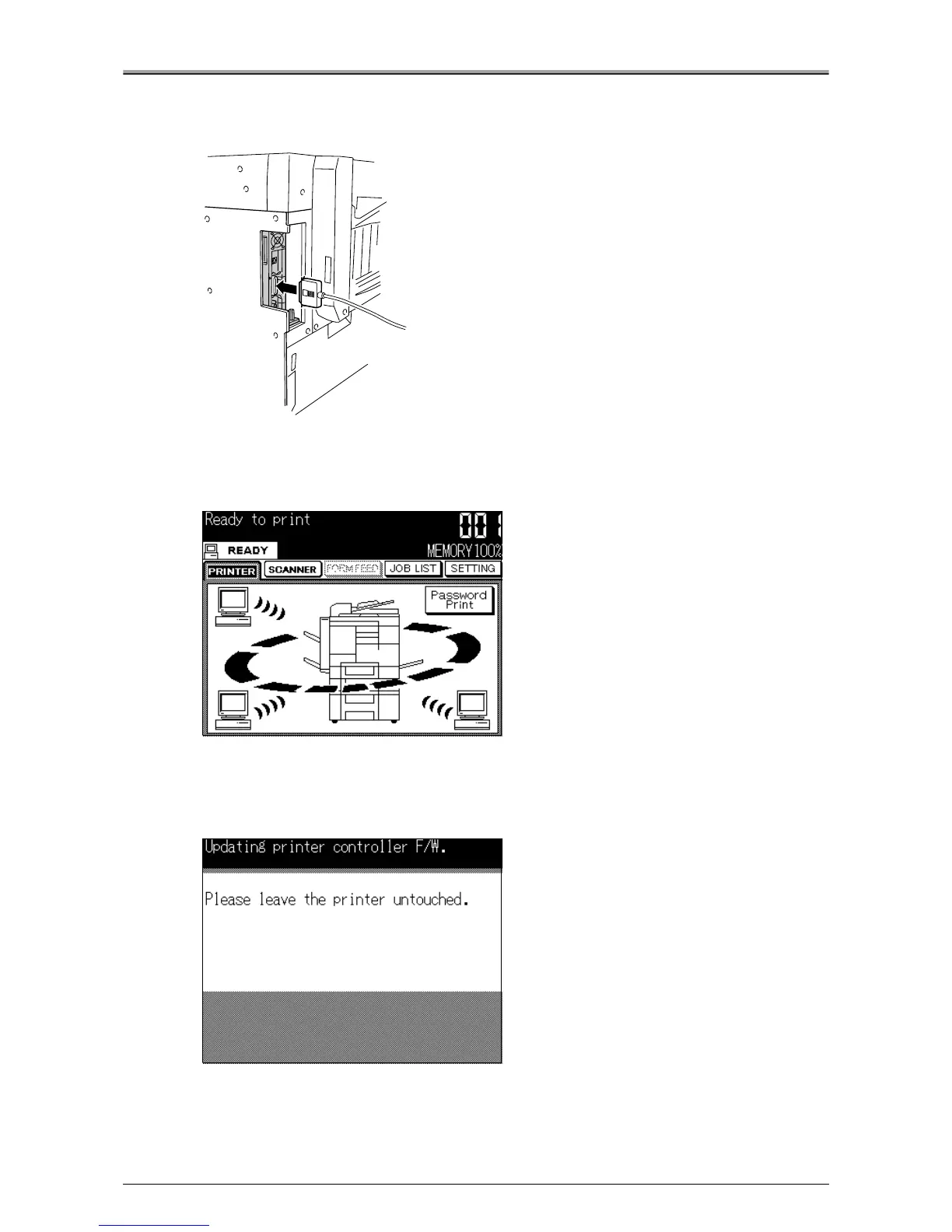
Connect a parallel cable between the PC and the Print Controller.
2.
Turn the copier's main power switch ON.
3.
Press the [SCAN/PRINT] button on the operation panel.
[Printer basic mode] screen will appear.
4.
When the icon changes to [READY], double-click on the previously prepared file "file-
name.bat" and follow the instructions displayed on the screen.
The message "Updating printer controller F/W." will appear on the LCD panel.












 To Next Page