Appendix
Appendix-5
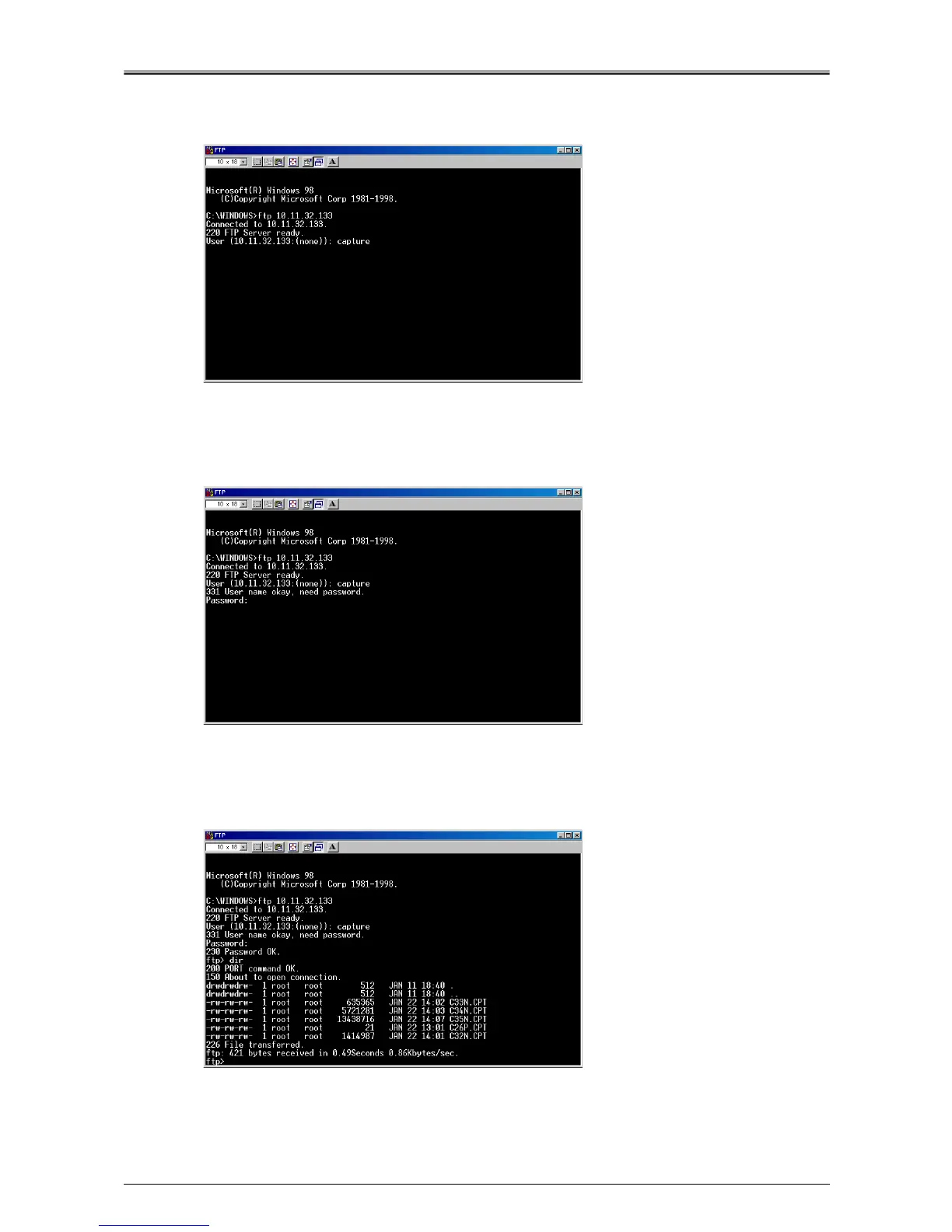
3.
Enter the user name.
Enter "capture" after the "User ID 10.11.32.133:(none):" prompt.
The user name is "capture".
4.
Enter the password.
Enter "sysadm" after the "Password:" prompt.
The password is "sysadm".
5.
Display the list of captured files.
Enter the "dir" command to display the list.












 To Next Page