Replacing Consumables138
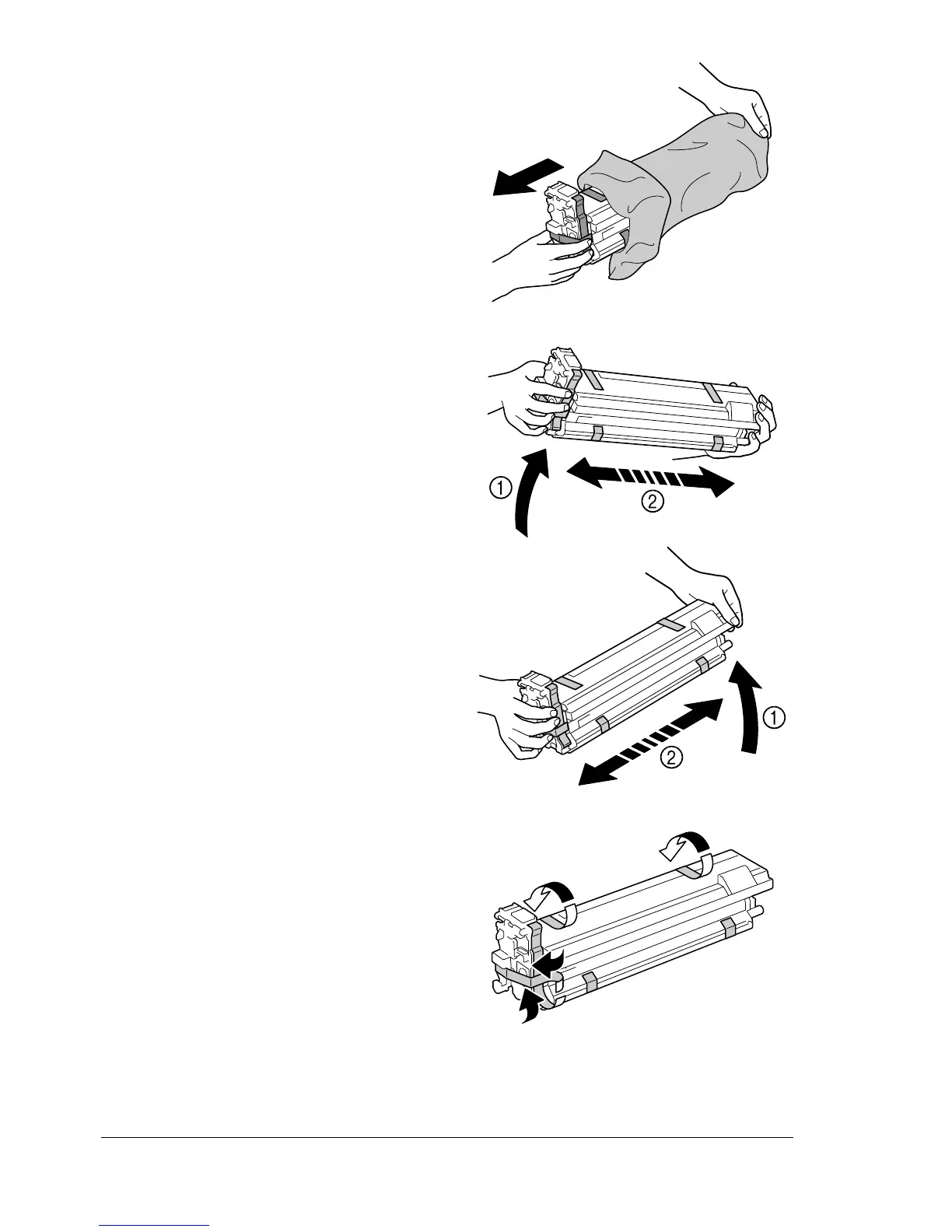
7 Remove the imaging unit from
the bag.
8 Hold the imaging unit with both
hands, and then shake it twice
as shown in the illustration.
" Do not grab the bottom of
the bag; otherwise, the
imaging unit may be
damaged, resulting in
decreased print quality.
9 Remove all packing tape from
the imaging unit.
K
PUSH
Y
P
US
H
Y
P
U
S
H
K
P
U
SH














 To Next Page