EasyManua.ls Logo

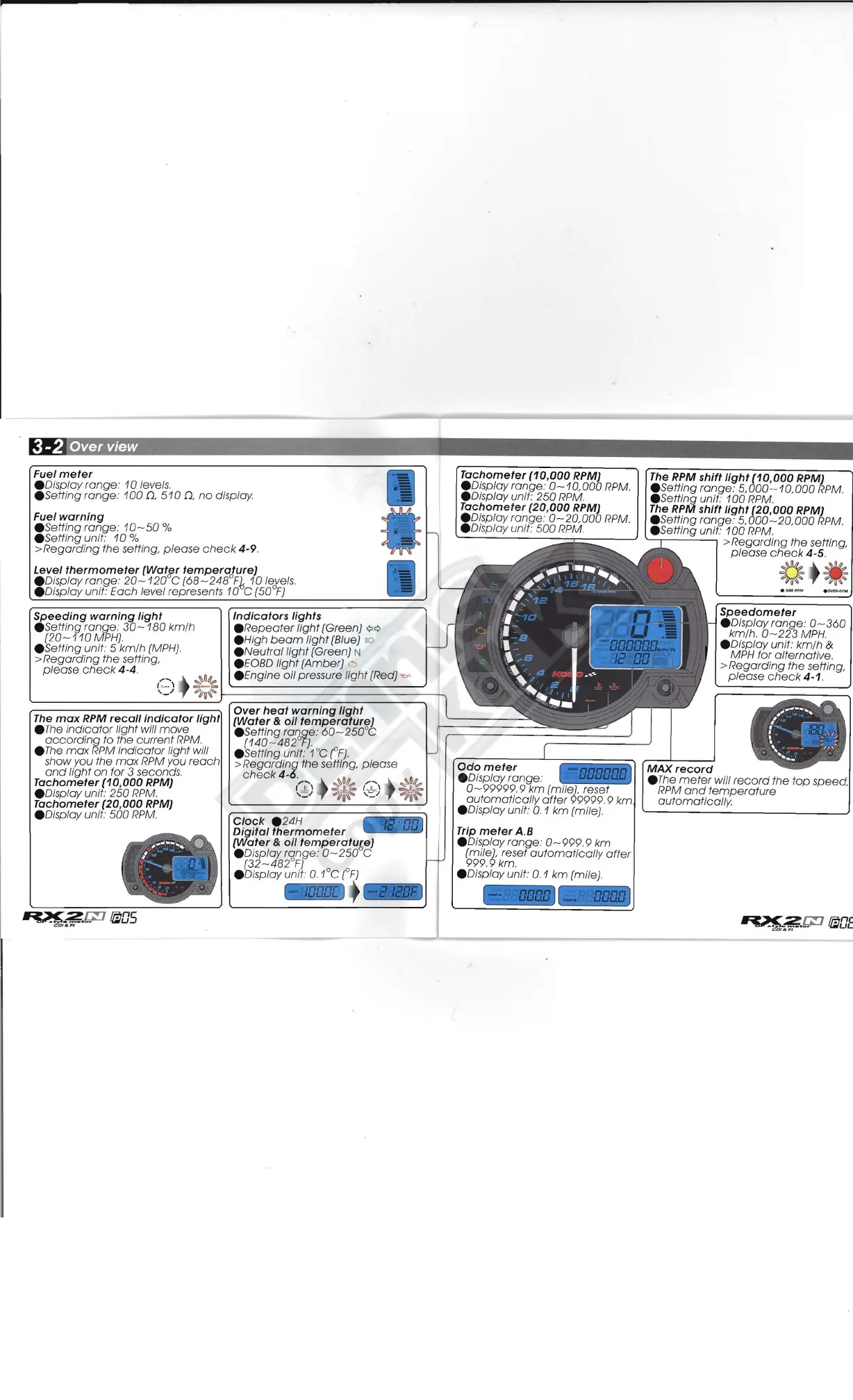
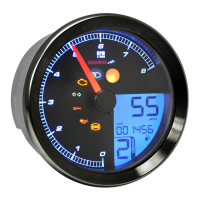
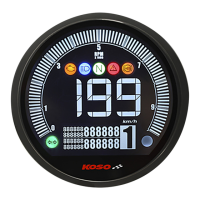
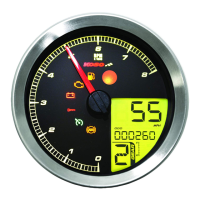
Koso RX2N GP - 3-2 Over view

Koso RX2N GP
22 pages
Print Icon
To Next Page IconTo Next Page
To Previous Page IconTo Previous Page
Loading...
--
--
248
°
F~
10
leyels .
Indicators
lights
.
Repeater
light
(Green)
¢¢
.H
igh
beam
light
(Blue) aD
.N
eutrallight
(Green) N
.E
OBD
light
(Amber)
.En
gine
oil
pressure
light
(Red)
.."..
",."
n~
I
~==============~
-n
r
Clock
24H
Tachometer
(10,000
RPM)
.D
isplay
range:
0-10,000
RPM.
.D
isplay unit:
250
RPM.
Tachometer
(20,000
RPM)
. Display
rang
e:
0-
20,
000
RPM.
.D
isplay unit:
500
RPM.
The RPM
shift
light
(10,000
RPM)
.Setting
rang
e:
5,000-10,000
RPM.
.Setting
unit:
100
RPM.
The RPM
shift
light
(20,000
RPM)
.Setting
range:
5,000
-
.S
etting
unit:
100
RPM.
MAX
record
.T
he
meter
will
record
the
top
RPM
and
temperature
automatically.
3 -2 Over view
Fuel
meter
. Display
range
:
10
levels.
. Setting
range:
100
D,
510
Q,
no
display
Fuel
warning
. Setting
range:
10-50
%
.Se
tting
unit:
10
%
>
Regarding
the
setting,
please
check
4-9
.
Level
thermometer
(Water
temperature)
.D
isplay
range:
20-120
o
C (68 -
Display unit:
Each
level represents
10
C
(50
F)
Speeding
warning
light
.Setting
range.'
30-180
km/h
(20-110
MPH).
Setting unit. 5
km/h
(MPH).
>
Regarding
the
setting,
please
check
4-4
.
'j
~~
,-.:.::-
\
~========~
The
max
RPM
recall
indicator
light
.The
indicator
light will
move
according
to the
current
RPM.
.The
max
RPM
indicator
light will
show
you
the
max
RPM you
reach
and
light
on
for 3 seconds.
Tachometer
(10,000
RPM)
.D
isplay unit:
250
RPM.
Tachometer
(20,000
RPM)
. Display unit:
500
RPM.
;-...
.........
~
.
·
~
-
C
1
. .
. _
Digital
thermometer
(Water
&
oil
temperatu~e)
.
Displayrange:
0-250
C
(32-482°F)
.D
isplay unit: O.1°C
(F)
Trip
meter
A.B
.Display
range:
0-999.9
km
(mile), reset
automaticall
y
after
999.9
km.
.Display
unit: 0.1
km
(mile).
20
,
000
RPM.
>
Regarding
the
setting,
please
check
4-5
.
~ -
Speedometer
.D
isplay
range:
0-360
km/h. 0 -
223
MPH.
. Display unit:
km/h
&
MPH for
alternative
.
>
Regarding
the
setting,
please
check
4-1.

Related product manuals