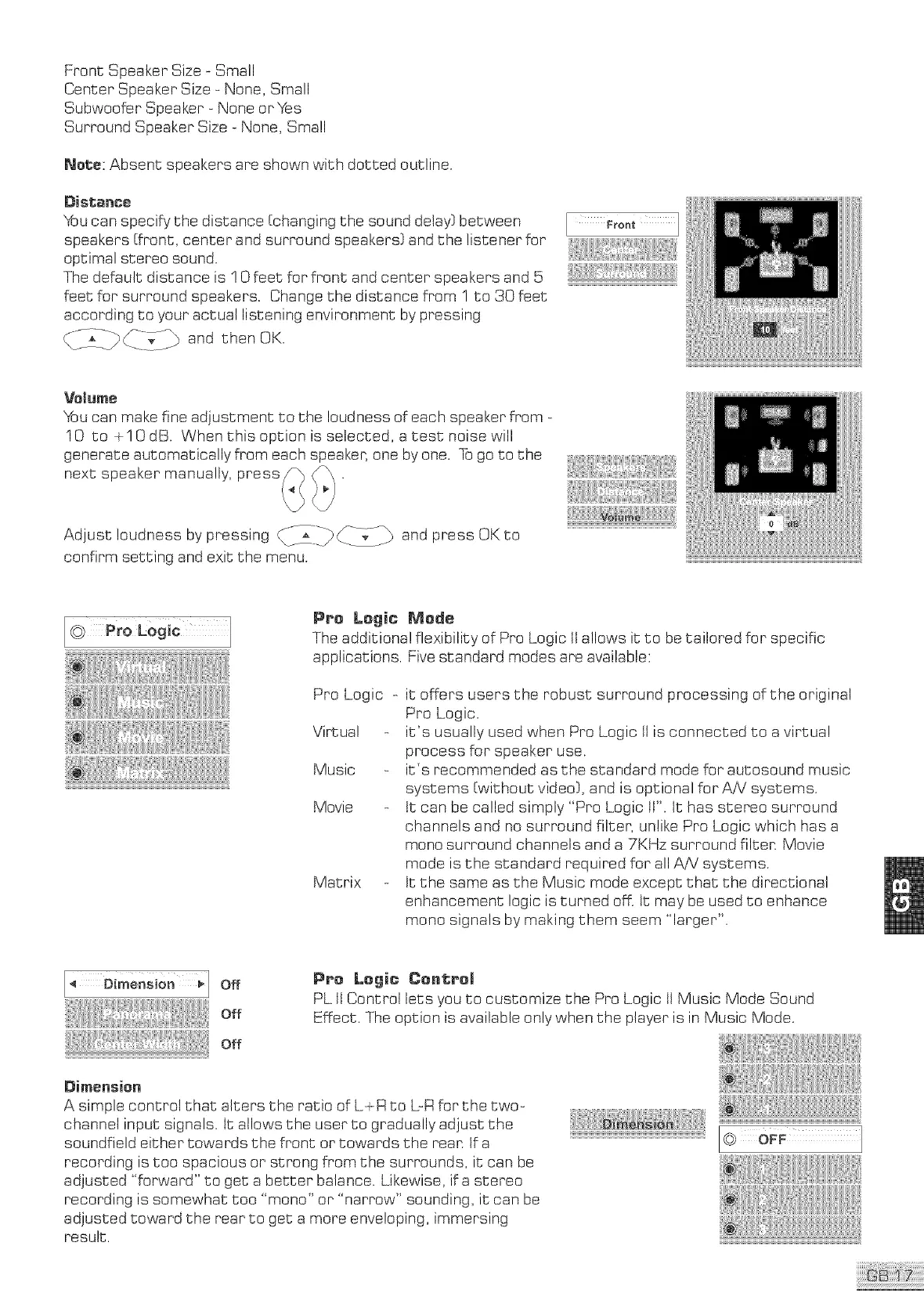
FrontSpeakerSize-Small
CenterSpeakerSize-None,Small
SubwooferSpeaker- NoneorYes
SurroundSpeakerSize-None,Sma!l
Note:Absentspeakersareshownwishdottedoutline.
Distance
Youcanspecifythedistance[changingthesounddelay}between
speakers[front,centerandsurroundspeakers}andthe listenerfor
optimalstereosound.
Thedefaultdistanceis ! 0feet:forfront andcenterspeakersand5
feetforsurroundspeakers.Changethedistancefrom1to 30feet
accordingtoyouractuallisteningenvironmentbypressing
_iy£_[___-./_ andthenOK.
Velume
You can make fine adjustment to the loudness of each speaker from -
10 to _I0 dB. When this option is se]ected, a test noise will
generate automatically from each speaker, one by one. Togo so she
next speaker manually, press_ _.
Adjust loudness by pressing _iZi-_-_ _-___-4_ and press OK to
confirm setting and exit the menu.
@ Pro L0gic 1
PPe Logic Merle
The additional flexibility of Pro Logic tt allows it to be tailored for specific
applications. Five standard modes are available:
Pro Logic
Virtual
Music
Movie
Matrix
it offers users the robust surround processing of the original
Pro Logic.
it's usually used when Pro Logic tI is connected to a virtual
process for speaker use.
it's recommended as the standard mode for auSosound music
systems [without video}, and is optional for AiV systems.
tt can be called simply "Pro Logic It'. It has stereo surround
channels and no surround filter, unlike Pro Logic which has a
mono surround channels and a 7KHz surround filter. Movie
mode is the standard required for all AA! systems.
tt the same as the Music mode except that the directional
enhancement logic is turned off. It may be used to enhance
mono signals by making them seem "larger".
PPc Legit Control
PL ti Control lets you to customize the Pro Logic It Music Mode Sound
Effect. The option is available only when the player is in Music Mode.
Dimension
A simple control that alters the ratio of L_R to L-R for She two-
channel input signals. It allows the user to gradually adjust the
soundfield either towards the front or towards She rean tf a
recording is too spacious or strong from the surrounds, it can be
adjusted "forward" to get a better balance. Likewise, if a stereo
recording is somewhat too "mono" or "narrow" sounding, iScan be
adjusted toward She rear So get a more enveloping, immersing
resu!S.



 To Next Page