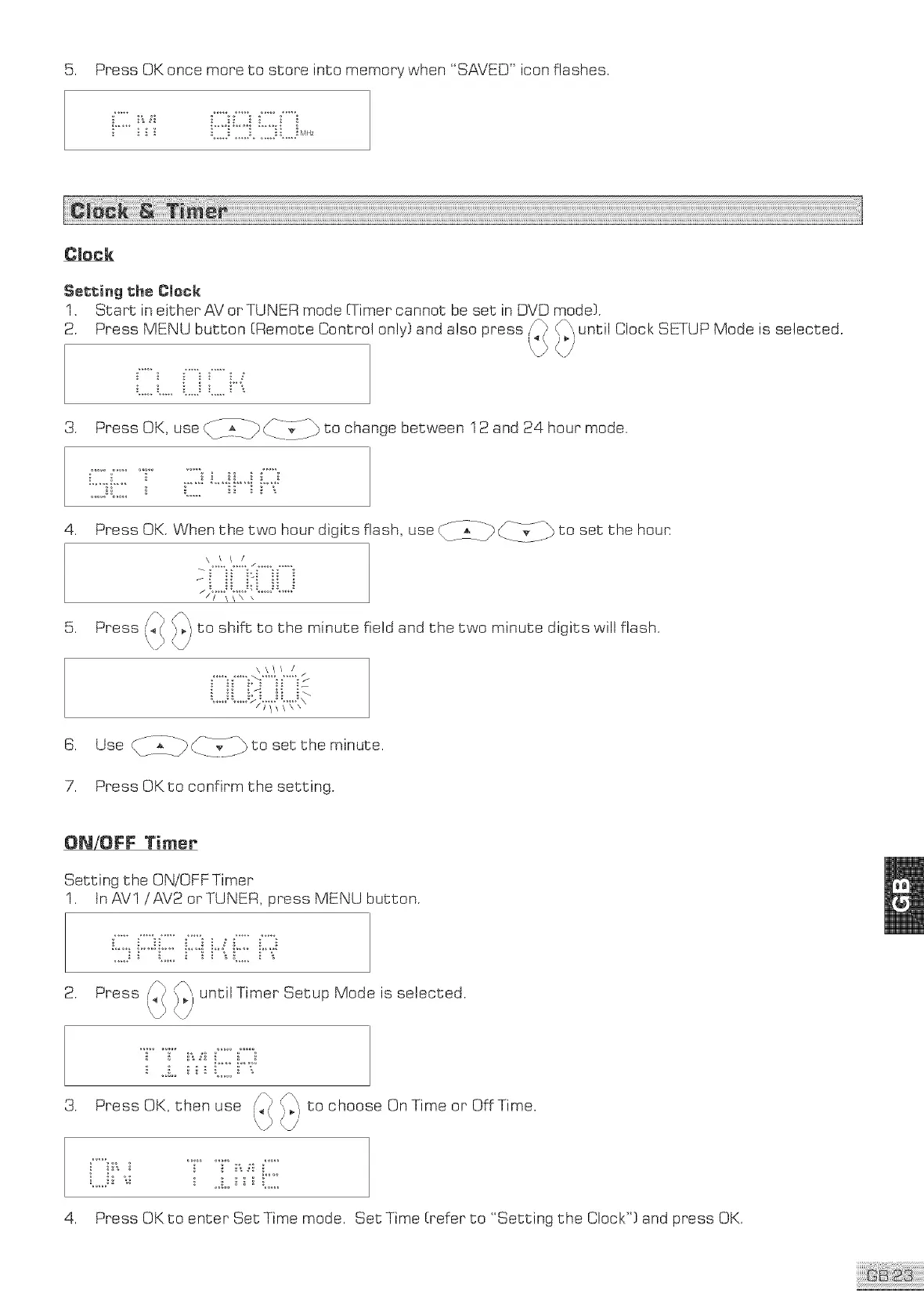
5. Press OK once more to store into memory when "SAVED" icon flashes.
Cleck
Setting the Clock
1. Start in either AV or TUNER mode (Timer cannot be set in DVD mode).
2. Press MENU button (Remote Control only? and also press {2} until Clock SETUP Mode is selected.
4/
s. PressOK,use_/_i-_>CX_ tochangebetween12and24hourmode.
4. Press OK. Whenthetwo houndigits flash, use ______-_____]}_ to set the hour:
.......... / ..........
// \\\ \
Press to shift to the minute field and the two minute digits will flash.
\\// /
/
_--_ _ to the minute.
_ Use_:_LPd&-i_t aet
7. Press OK to confirmthe setting.
ON/OFF Timer
Setting the ON/OFF Timer
1. tnAVl / AV2 orTUNER, pressMENU button.
2. Press until Timer Setup Mode is selected.
3. Press OK, then use
to choose On Time or Off Time.
4. Press OK to enter Set Time mode. Set Time [refer to "Setting the Clock") and press OK.



 To Next Page