Selecting the source
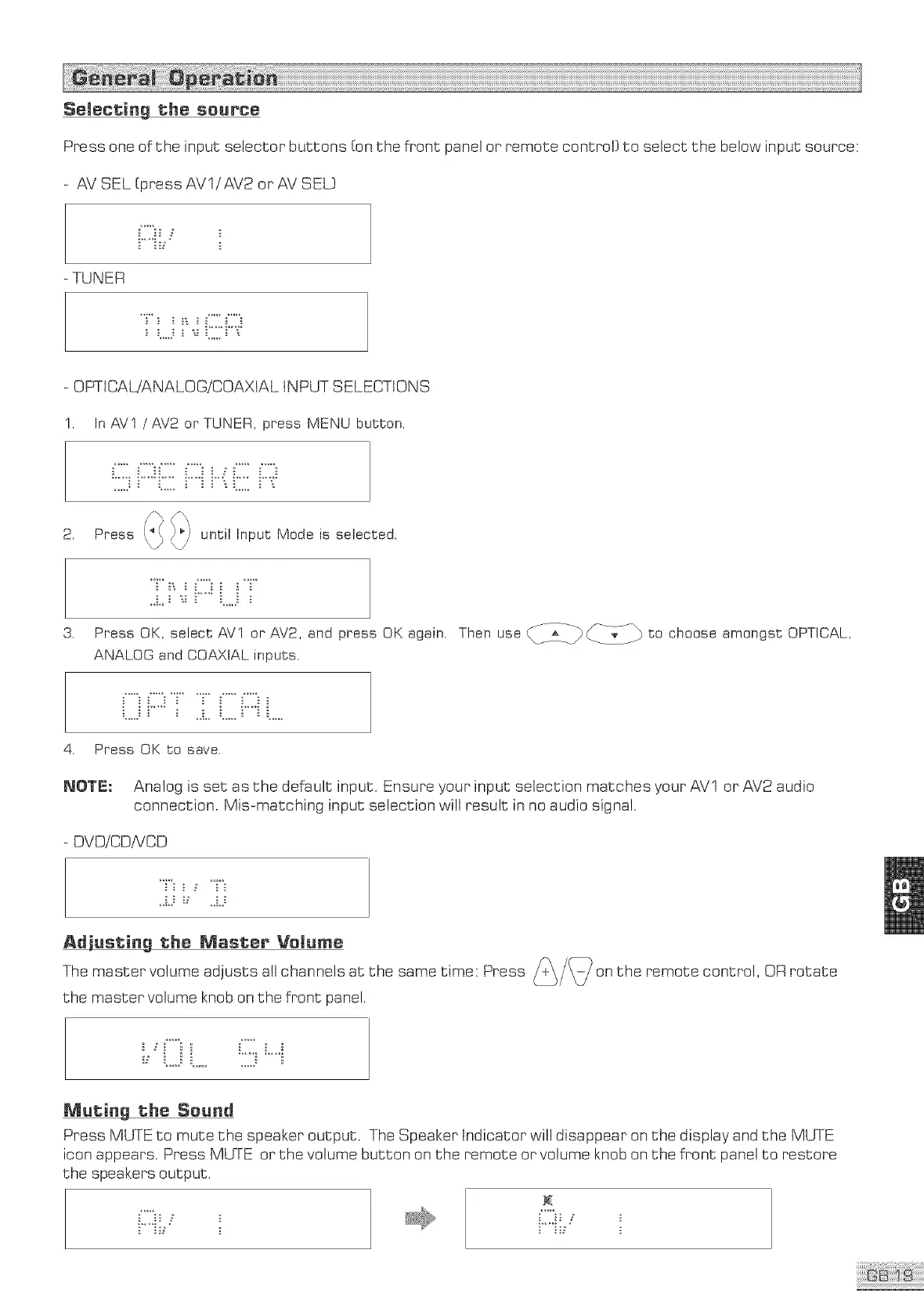
Press one of the input selector buttons [on the front panel or remote control} to select the below input source:
AV SEL [press AVl/AV2 or AV SEL}
-TUNER
OPTtCAWANALOGiCOAXtAL INPUT SELECTIONS
I. In AVI /AV2 or TUNER, press MENU button.
2. Press
until Input Mode is selected.
3.
Press OK, select AVI or AV2, and press OK again.
ANALOG and COAXIAL inputs.
Thenuee tochoeeea ongetOPTICAL
4. Press OK to save.
_0_: Analog is set as the default input. Ensure your input selection matches your AVl or AV2 audio
connection. Mis-matching input selection will result in no audio signal.
- DVDiCDiVCD
the _as_er _el_me
the master volume knob on the front panel.
M_ti_g the Se_d
Press MUTE to mute the speaker output. The Speaker Indicator will disappear on the display and the MUTE
icon appears. Press MUTE or the volume button on the remote or volume knob on the front panel to restore
the speakers output.



 To Next Page