Pause
Press IIII to stop playing temporarily: Press again to resume playing.
Skip
Press _/_ to skip forward or backward a track.
Fast search
Tosearch through disc forward or backward quickly by pressing _/_. Increase or decrease speed by
pressing _/_}. Press _to resume normal playing.
Stop and Resume Stop
Press [] once to Resume Stop. tn this mode playing can be resumed from the stop point by pressing _.
Press [] twice to stop playing completely and press _ will start playing from the beginning.
Numeric keys _0=9_
Input track number for direct track selection.
Active Navigatien
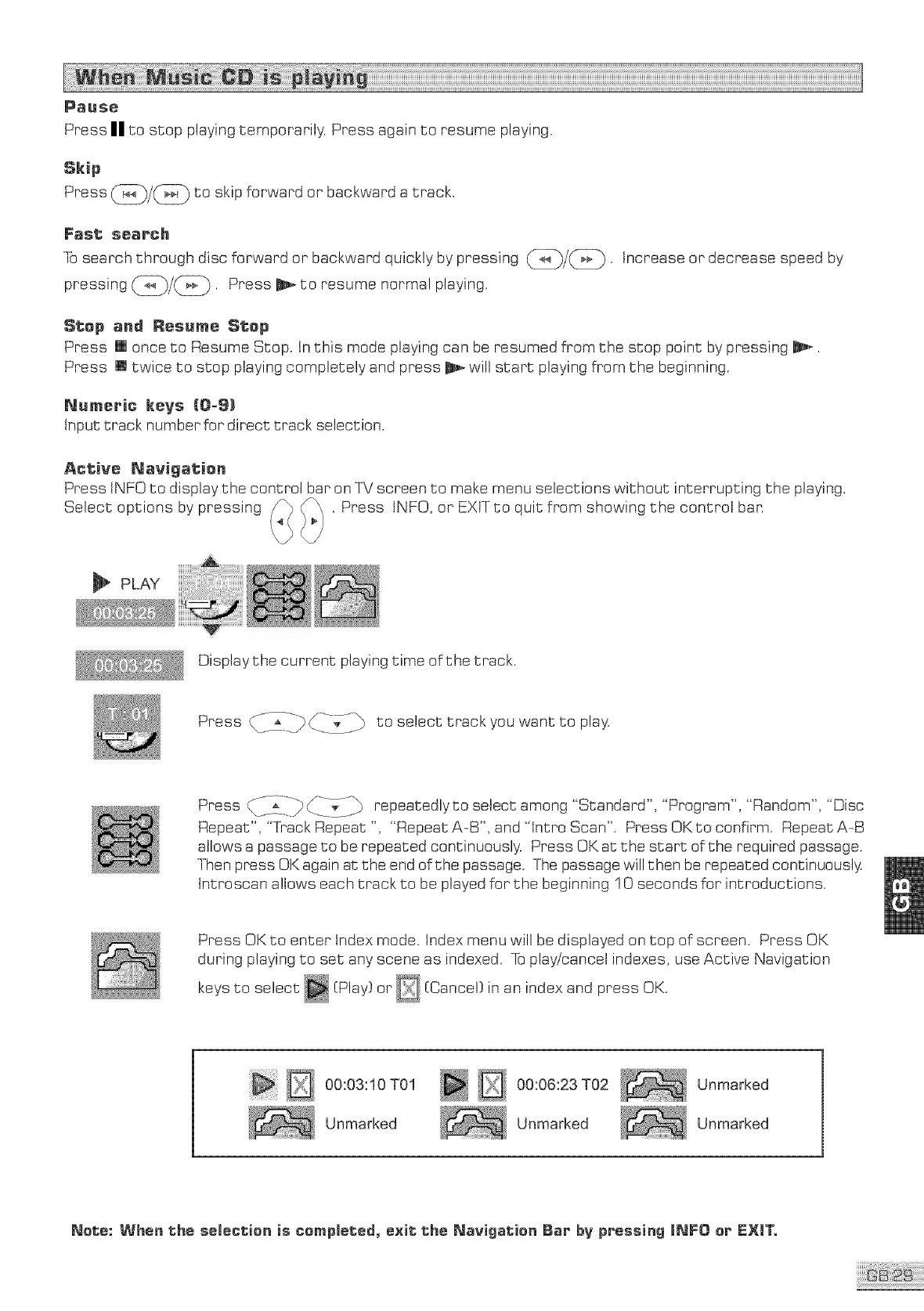
Press iNFO to display the control bar on qX/screen to make menu selections without interrupting the playing.
Select options by pressing /_ . Press tNFO, or EXIT to quit from showing the contro! ban
PLAY
Display the current playing time of the track.
Press _y___i_-_ to select track you want to play.
Press _-_iii_ _. ,/_ repeatedly to select among "Standard". "Program", "Random", "Disc
Repeat", "Track Repeat ", "Repeat A-B', and "Jntro Scan". Press OK to confirm. Repeat A-B
allows a passage to be repeated continuously. Press OK at the start of the required passage.
Then press OK again at the end of the passage. The passage will then be repeated continuously.
tntroscan allows each track to be played for the beginning 10 seconds for introductions.
Press OK to enter index mode. Index menu will be displayed on top of screen. Press OK
during playing to set any scene as indexed. To play/cancel indexes, use Active Navigation
keys to select [Play} or D [Cance } in an index and press OK.
D 0o:o :1O Ol
Unmarked
_ 0:06:23 T02
Unmarked
Unmarked
Unmarked
Nete: When the selection is cempmeted, e×it the Navigatien Bar bV pPessiag mNFO er EXIT°



 To Next Page