Stop and Resume Step
Press [] once to Resume Stop. In this mode playing can be resumed from the stop point by pressing _.
Press [] twice to stop playing completely and press _ will start playing from the beginning.
Quick keys _ROTATE, MENU, ZOOM}
Press corresponding keys to go into respective disc menu. Select options in menus with navigation
and confirm selection by pressing OK. Each press of ROTATEwill rotate the picture by 90 degrees. Press MENU
during music playback to display the music selection menu without interrupting playback. Press MENU during
picture/music or picture only playback to display the picture/music selection menu, while playback stops. Press
ZOOM to zoom the picture in and out during a picture slideshew.
Active Navigatien
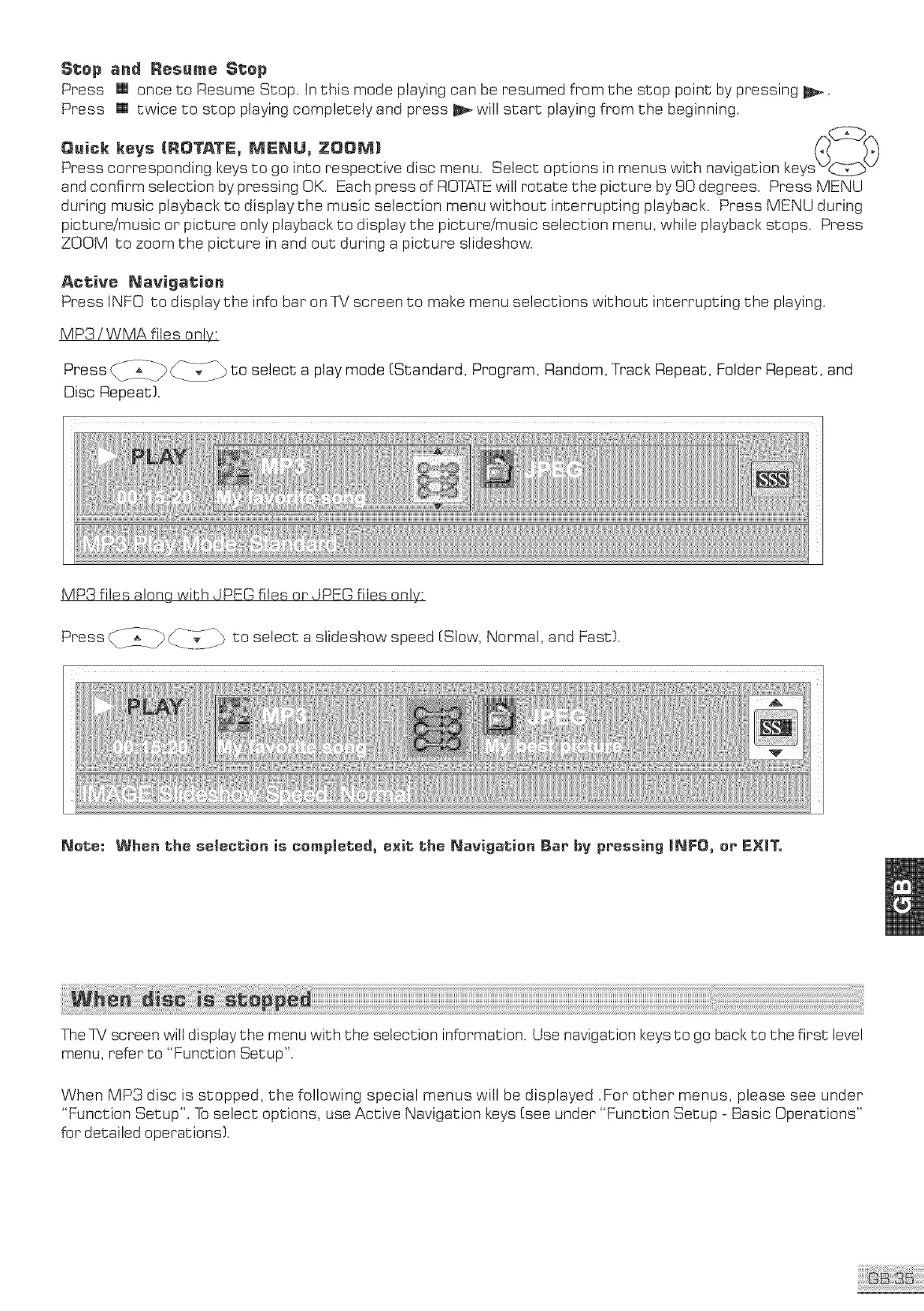
Press tNF0 to display the info bar on TV screen to make menu selections without interrupting the playing.
MP3 iWMA files only:
Press _i_ii_ _____-_//}}to select a play mode (Standard, Program, Random, Track Repeat, Folder Repeat, and
Disc Repeat).
MP3 files a!ongwith JPEG files or JPEG files on!_
Press _-_/___]_-/_ to select a slideshow speed [Slow, Normal, and Fast).
Nete: When the seleetien is eer_pmeted, exit the Nevigetien Bar bv pressing INFO, er EXmT,
The qNiscreen will display the menu with the selection information. Use navigation keys to go back to the first level
menu, refer to "Function Setup".
When Mr3 disc is stopped, the following special menus will be displayed .For other menus, please see under
"Function Setup". To select options, use Active Navigation keys [see under "Function Setup _Basic Operations"
for detailed operations).



 To Next Page