Autematic tuning
1. Press TUNER to select tuner mode.
2. After two seconds the display will change to show the current band and frequency.
3. tf necessary, press TUNER again to switch between AM and FM band.
4 Preesandhold{_71__or_--YbformorethanonesecondtoactivateautotuningmodeWhena
station is reached, auto tuning will stop.
Note: Press "Pause" button on the Front Panel can toggle between the frequency tune up & down and preset
channel up &down.
Tuning to a weak FM stations
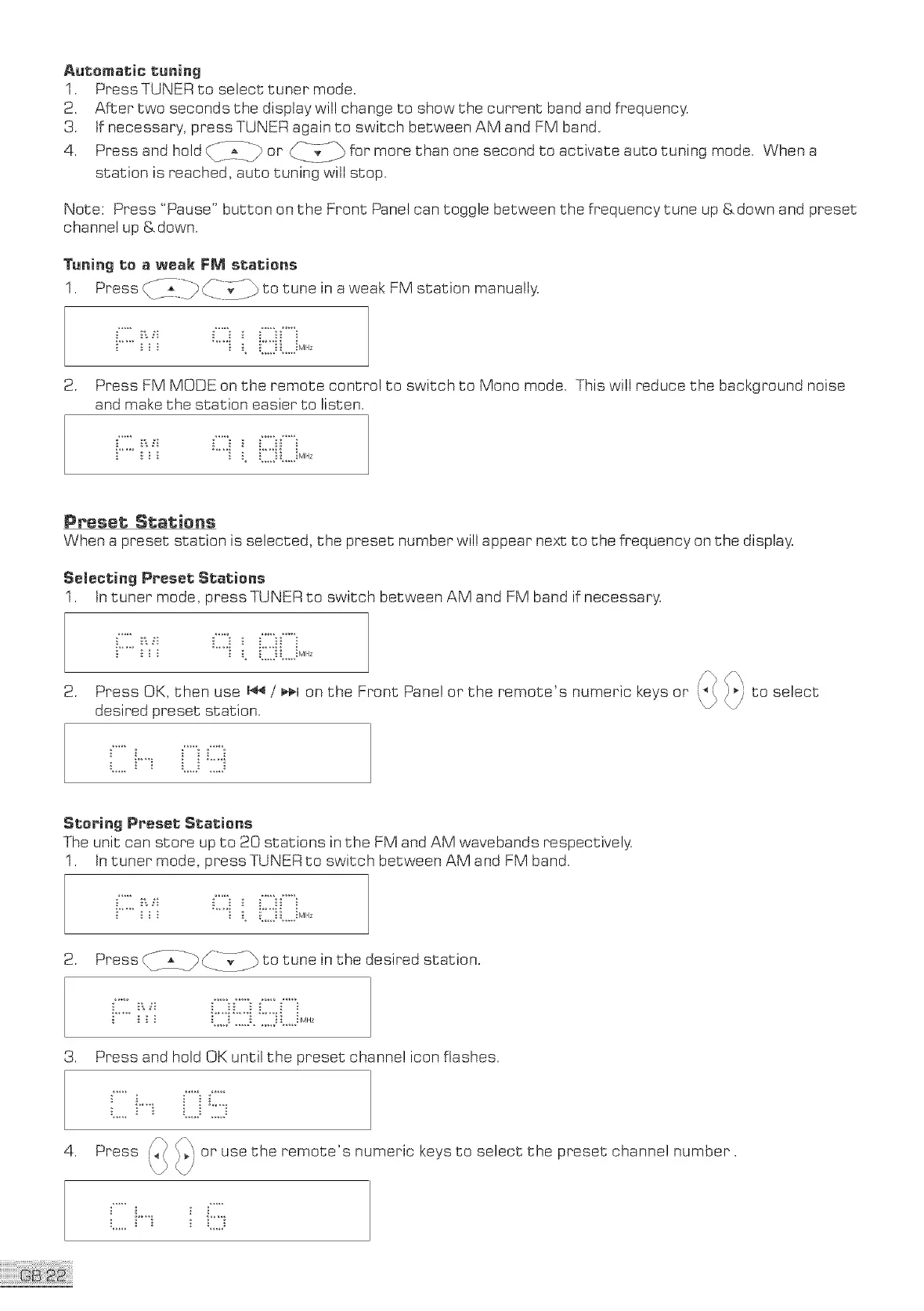
1. Press <_:b ____i_L/_to tune in a weak: FM station manually.
2. Press FM MODE on the remote control to switch to Mono mode. This will reduce the background noise
and make the station easier to listen.
Preset Stalsiens
When a preset station is selected, the preset number will appear next to the frequency on the display.
Selecting Preset Stations
1. tn tuner mode, tress TUNER to switch between AM and FM band if necessary.
2. Press OK, then use 144/ _¢_1on the Front Panel or the remote's numeric keys or
desired preset station.
to select
Stering Preset Stations
The unit can store up to 20 stations in the FM and AM wavebands respectively.
1. tn tuner mode, press TUNER to switch between AM and FM band.
2. Press CT_____}iib to tune in the desired station.
3. Press and hold OK until the preset channel icon flashes.
,
i__i :_"_:
Press _ _i or use the remote's numeric keys to select the preset channe! number ,



 To Next Page