Enabling Authentication
To set authentication:
1. In the Navigation pane, click Device Settings. The Device Settings page appears.
2. Select the Authentication. The Authentication tab appears (Figure 23).
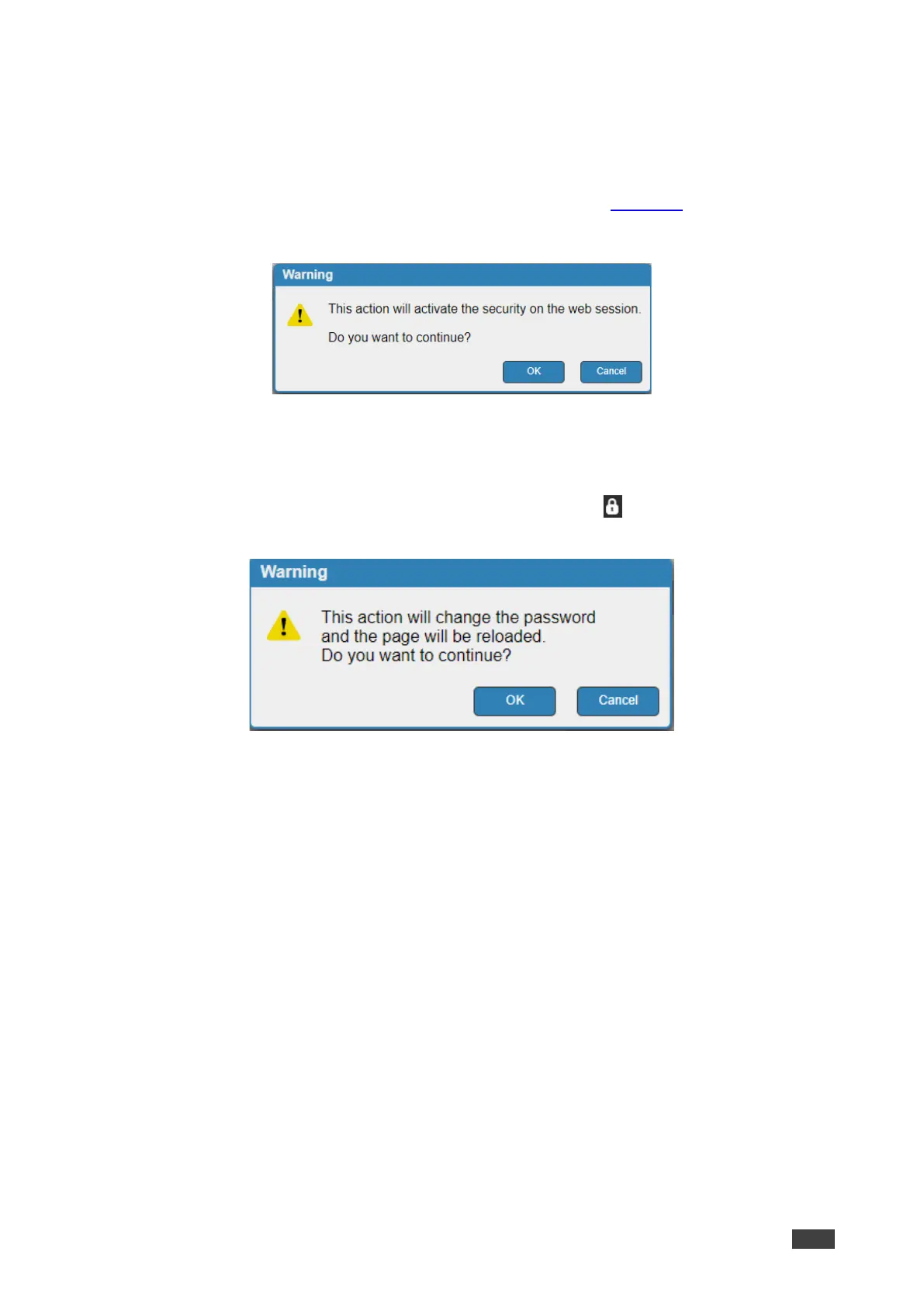
3. Click the Enabled button for Active Security. The following warning appears.
Figure 25: Authentication Tab – Activating Security Message
4. Click OK.
5. Type the current password and new password twice.
6. Click the Change button. The upper right icon changes to and the following warning
appears.
Figure 26: Authentication Page – Changing the Password Message
The webpage refreshes and the password fields are visible, and a confirmation message
appears.
7. Click OK.
The password has changed, and the page is reloaded.



 To Next Page