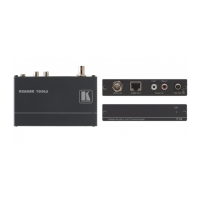
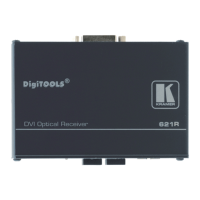
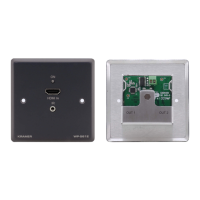
KIT-400 – Defining KIT-400 4K Auto-Switcher/Scaler Kit
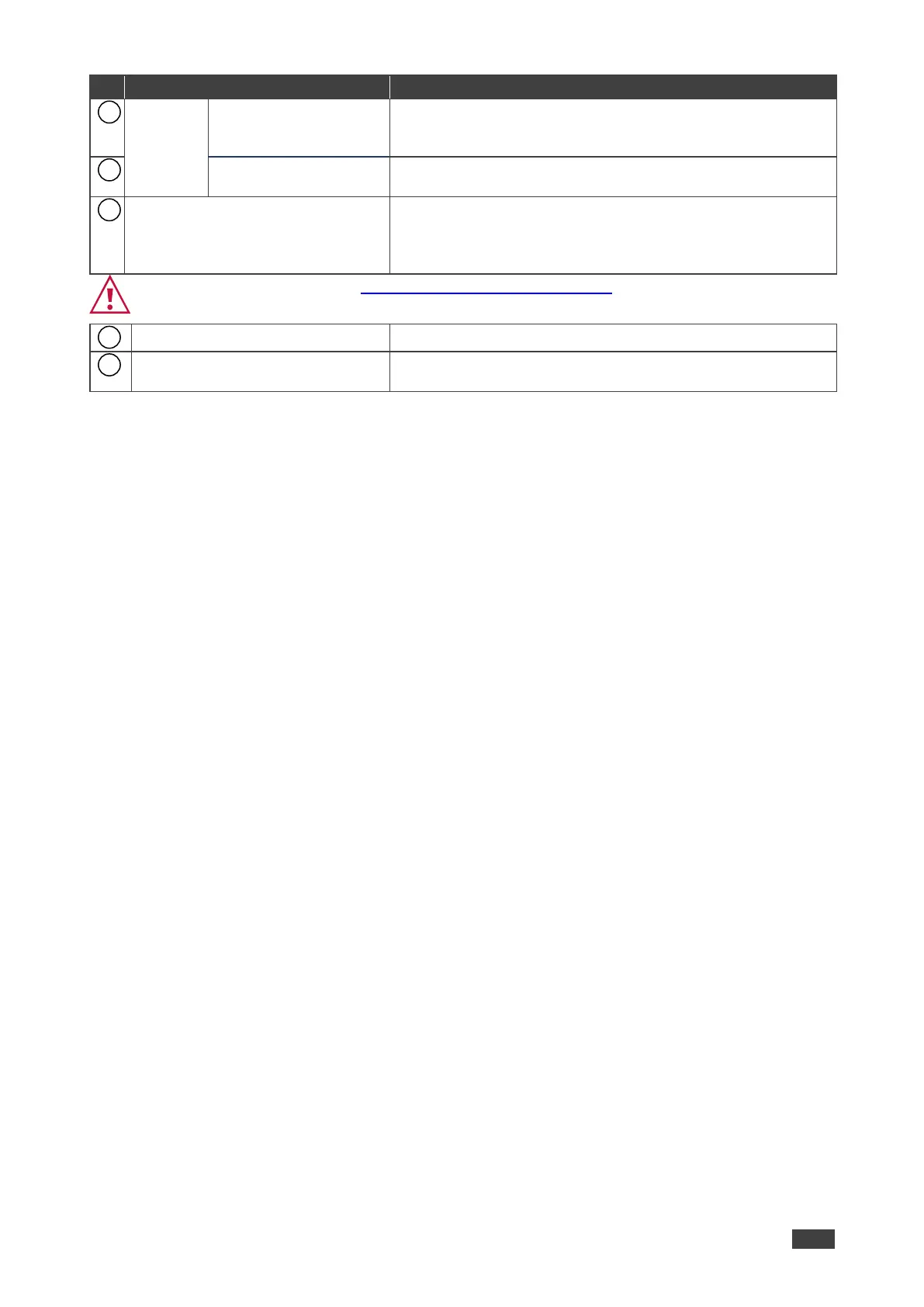
CONTROL 3-pin
Terminal Block
Connector
Connect to a serial controller or PC.
DATA 3-pin Terminal
Block Connector
Connect to a serial data source or acceptor.
RELAY 3-pin Terminal Block
Connector
Connections to the internal relay: Normally open (NO),
normally closed (NC), and common (C).
Connect to devices to be controlled by relay (for example, a
motorized projection screen).
Follow powering instructions in (see Connecting KIT-400 on page 9).
Failure to use PoC and power connector correctly may destroy the devices!
PoC (Power Over Cable) Switch
Set the PoC switch to ON on both KIT-400T and KIT-400R.
Connect to the supplied power adapter, unless the power
adapter is connected to KIT-400T.



 To Next Page