OPERATING ELEMENTS 10
4.6Light switch
600005-30
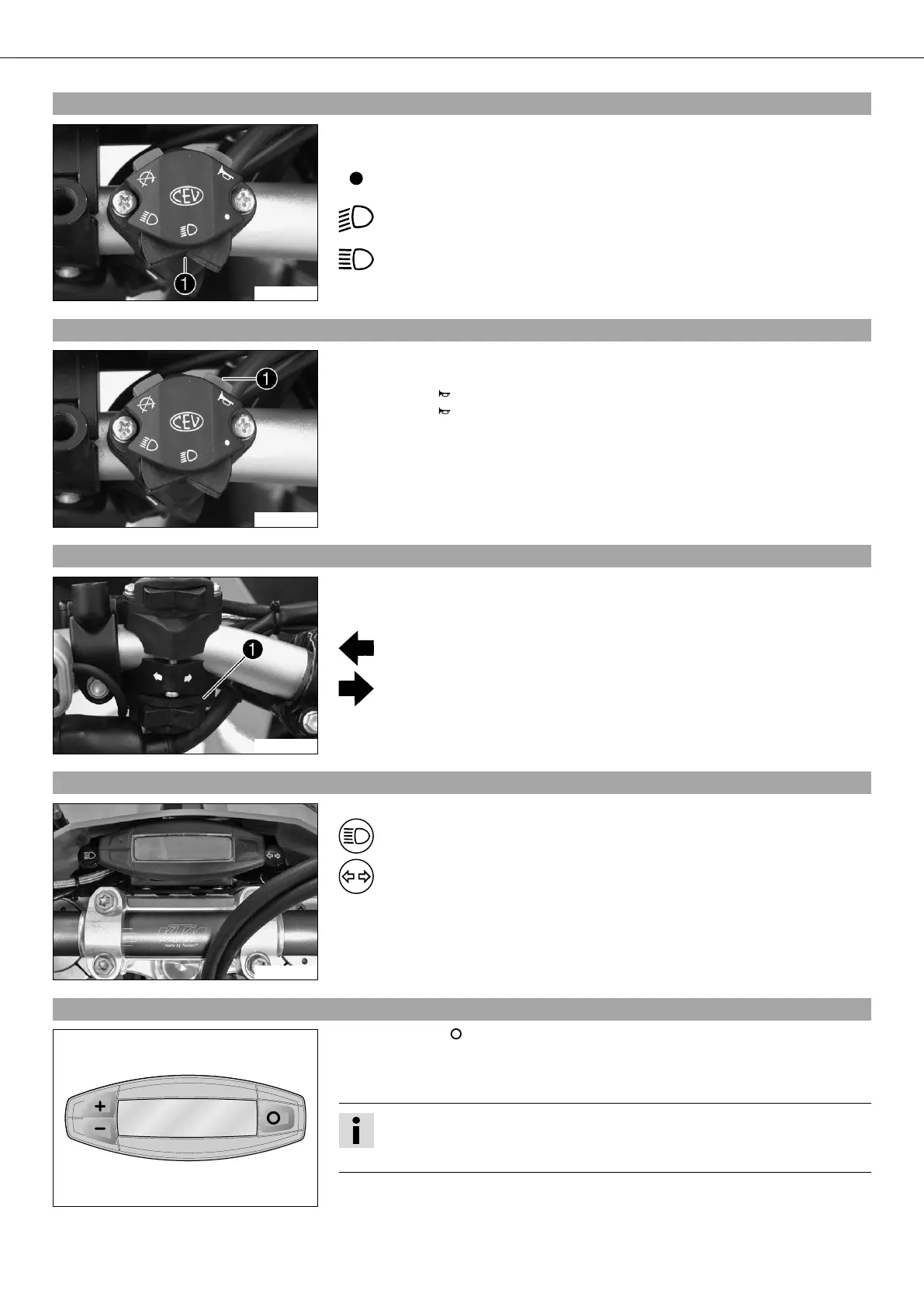
The light switch is fitted on the left side of the handlebar.
Possible states
Light off – Light switch is turned to the right. In this position, the light is
switched off.
Low beam on – Light switch is in the central position. In this position,
the low beam and tail lights are switched on.
High beam on – Light switch is turned to the left. In this position, the
high beam and the tail light are switched on.
4.7Horn
600005-10
The horn button is fitted on the left side of the handlebar.
Possible states
• Horn button in neutral position.
• Horn button pressed – The horn is operated in this position.
4.8Flasher switch
600004-10
The flasher switch is fitted on the left side of the handlebar.
Possible states
Flasher light off – Flasher switch is in the central position.
Flasher light, left, on – Flasher switch turned to the left.
Flasher light, right, on – Flasher switch turned to the right.
4.9Overview of indicator lamps
500147-01
Possible states
High beam indicator lamp lights up blue – High beam is switched on.
Flasher indicator lamp flashes green – Flasher light is switched on.
4.10Speedometer
400312-01
– Press the key to change the display mode or change to one of the setup menus.
– Press the button "+" to control different functions.
– Press the button "‑" to control different functions.
Info
In its condition at delivery, the display mode SPEED/H andSPEED/ODO is acti-
vated.



 To Next Page