8 COMBINATION INSTRUMENT
34
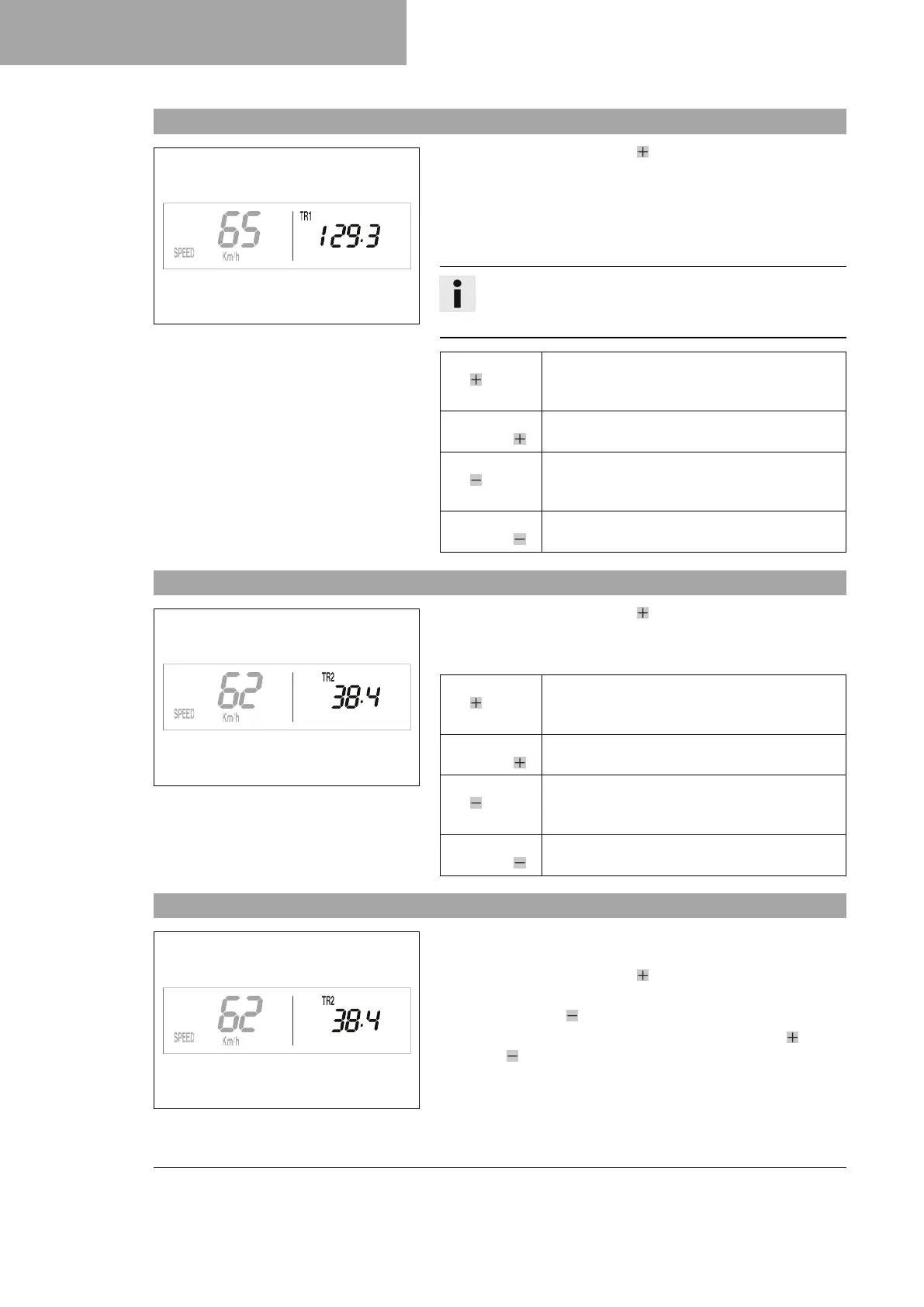
8.16 Display mode SPEED/TR1 (trip master 1)
400323-01
– Repeatedly press the button briefly until TR1 appears at the
top right of the display.
TR1 (trip master 1) runs constantly and counts up to 999.9.
You can use it to measure the distance covered during trips or the
distance between two charging stops.
TR1 is coupled with A1 (average speed 1) and S1 (stop watch 1).
Info
If 999.9 is exceeded, the values of TR1, A1 and S1 are
automatically reset to 0.0.
Press the but-
ton for 2–3
seconds.
Displays of TR1, A1 and S1 are reset to 0.0.
Briefly press
the button .
Next display mode
Press the but-
ton for 2–3
seconds.
No function
Briefly press
the button .
No function
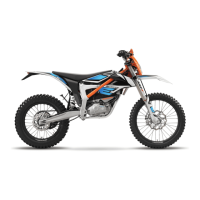
8.17 Display mode SPEED/TR2 (trip master 2)
400324-01
– Repeatedly press the button briefly until TR2 appears at the
top right of the display.
TR2 (trip master 2) runs constantly and counts up to 999.9.
Press the but-
ton for 2–3
seconds.
Clears the values TR2 and A2.
Briefly press
the button .
Next display mode
Press the but-
ton for 2–3
seconds.
Reduces value of TR2.
Briefly press
the button .
Reduces value of TR2.
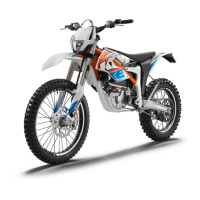
8.18 Adjusting TR2 (trip master 2)
400324-01
Condition
• The motorcycle is stationary.
– Repeatedly press the button briefly until TR2 appears at the
top right of the display.
– Press the button for 2–3 seconds until TR2 flashes.
The displayed value can be set manually with the button and
the button . This is a very practical function when riding using
the road book.





 To Next Page