43INTELLIPANEL(TM) CONTROL
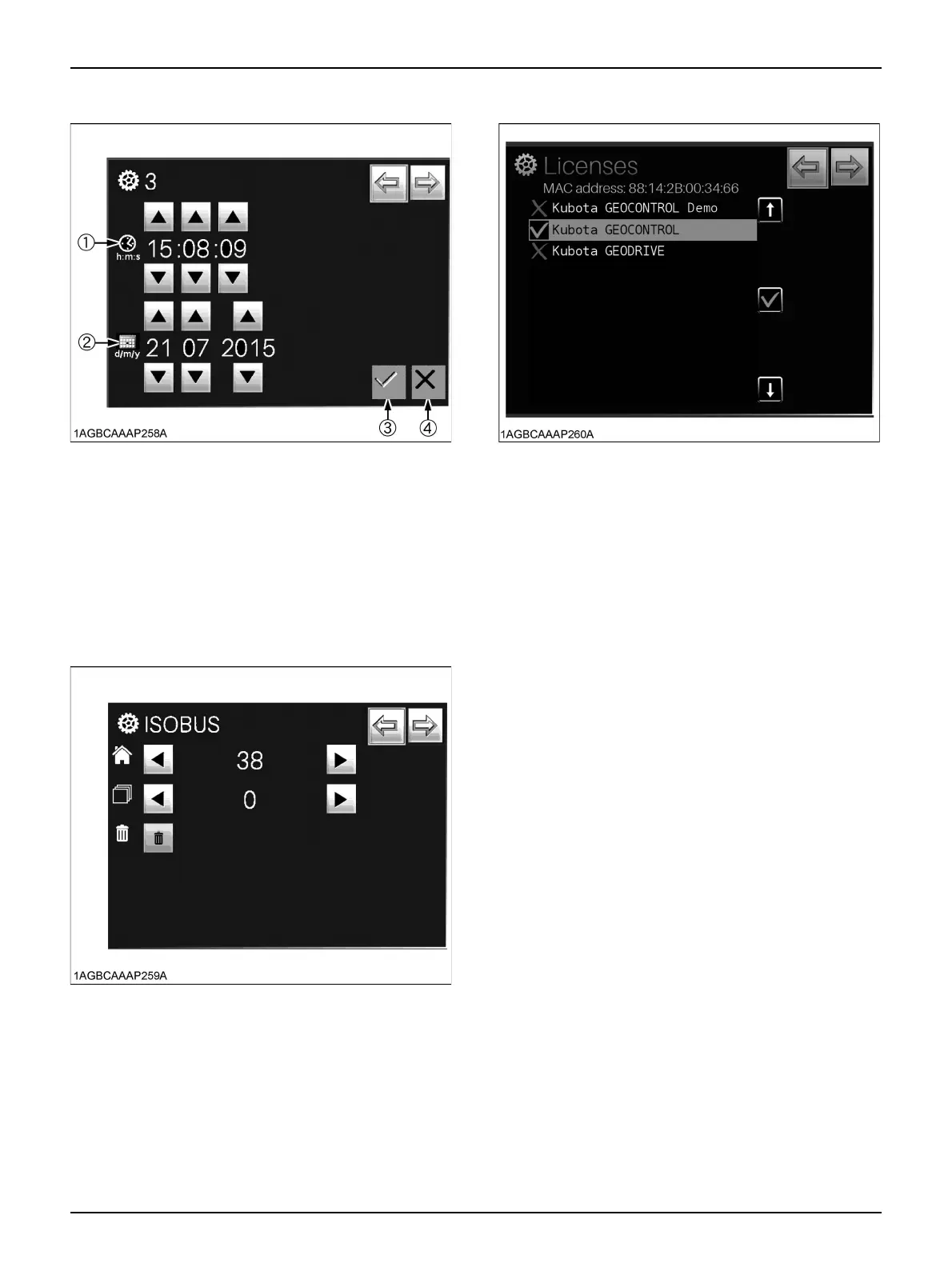
A Time/Date settings screen
(1) Time
Set "Hour", "Minute" and "Second" and press the
save switch (3).
Touch the cancel switch (4) to cancel.
(2) Date
Set "Day", "Month" and "Year" and press the save
switch (3).
Touch the cancel switch (4) to cancel.
A ISOBUS settings screen
Do not change the setting of this screen.
For details, consult your local KUBOTA Dealer.
A License confirmation screen
Setting is required when options are attached.
For details, consult your local KUBOTA Dealer.



 To Next Page