Installation
9
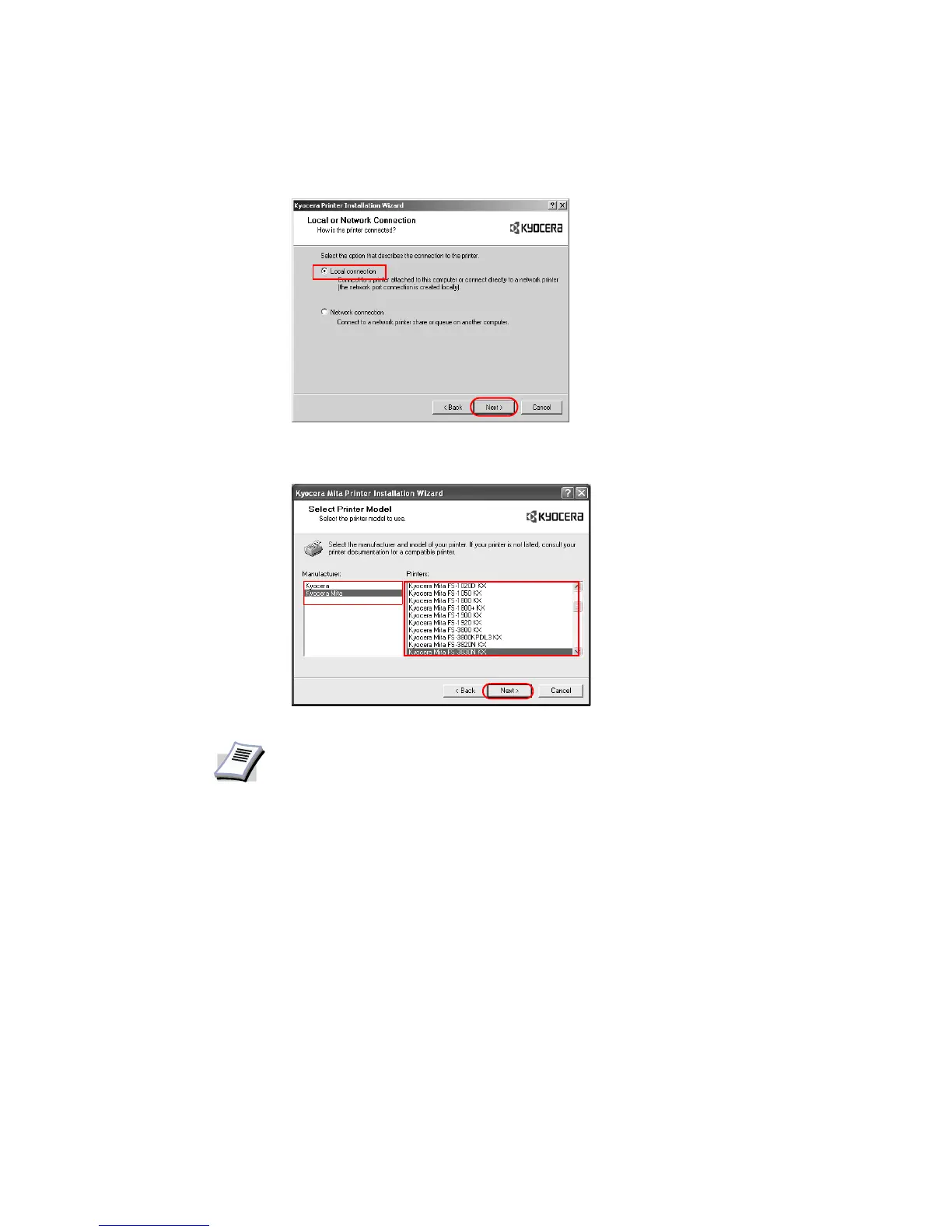
8 The
Local or Network Connection dialog box appears. Select Local Connection and
click
Next.
9 The
Select Printer Model dialog box appears. From the list, select the Manufacturer and
corresponding
Printers you wish to connect, and click Next.
NOTE
•If Found New Hardware dialog box appears, click Cancel.
• If the Hardware Installation warning dialog box appears, click Continue
Anyway.














 To Next Page