2M2/2M3
2-4-10
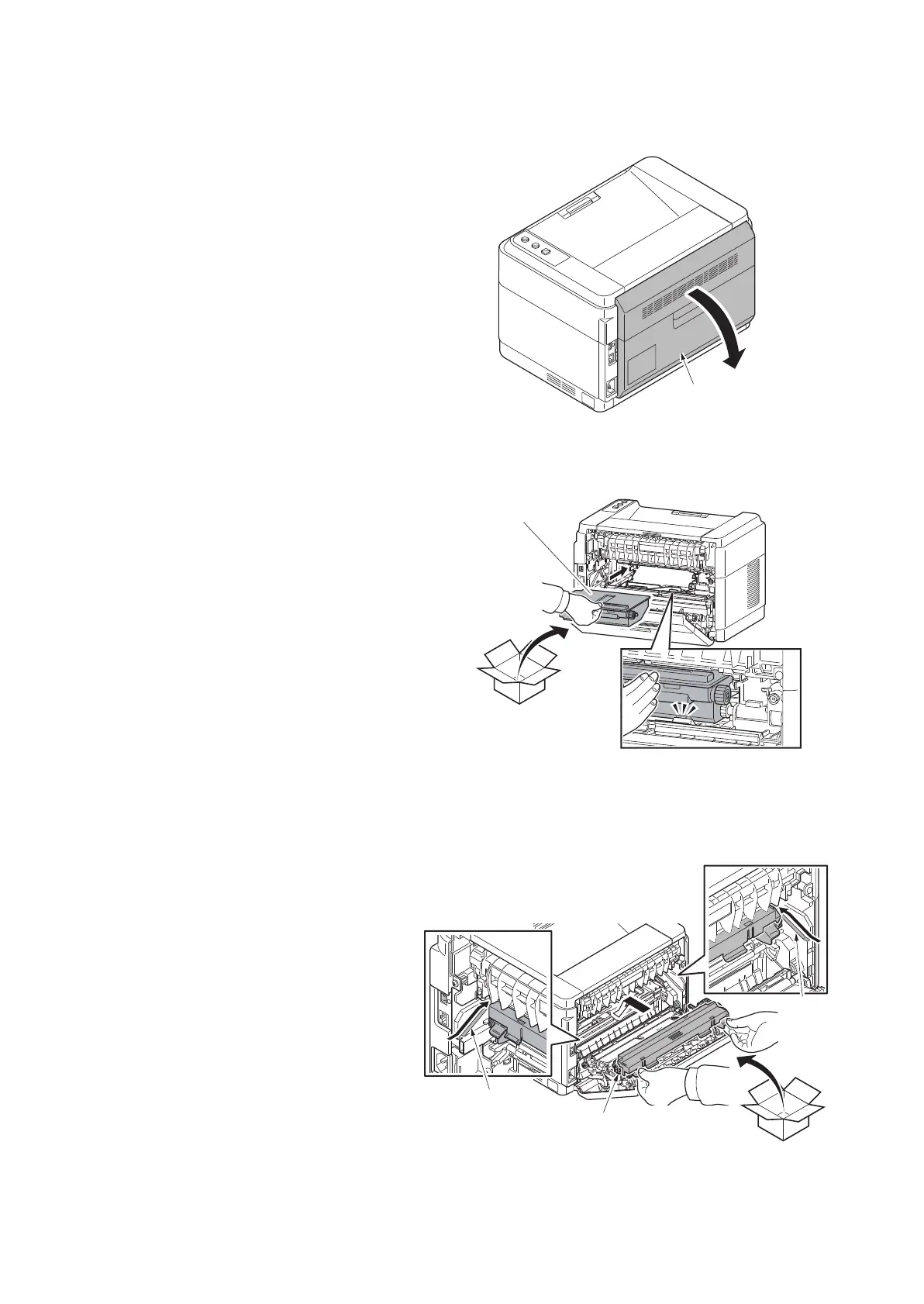
(6) Refitting the toner disposal box
Procedure
1. Open the rear cover.
Figure 2-4-20
2. Install the new toner disposal box in the
printer.
Figure 2-4-21
(7) Refitting the developer unit
Procedure
1. Install the new developer unit in the
machine by holding both of its ends.
Insert the unit along the guides on both
sides.
Figure 2-4-22
Rear cover
Toner disposal box
developer unit
Guide
Guide



 To Next Page
 Loading...






