2M2/2M3
1-2-2
1-2-2 Unpacking and installation
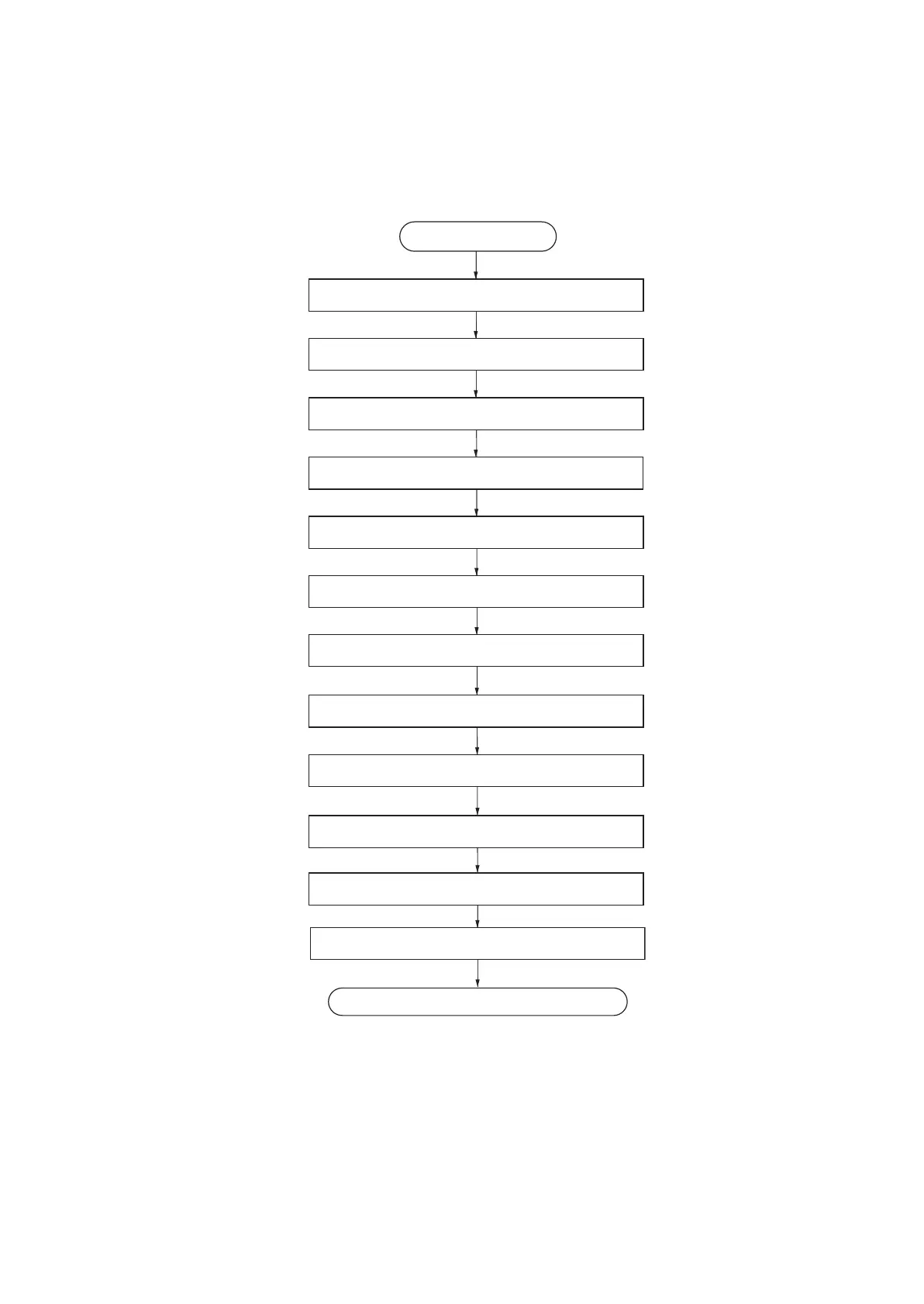
(1) Installation procedure
Figure 1-2-2
Unpacking
Start
Taking out the machine
Removing the tapes
Installing the cassette cover
Loading paper (cassette)
Installing the toner container
Connect the USB cable
Connect the Network cable (25/26 ppm model)
Installing the printer driver
Completion of the machine installation.
Connect the power cord
Make test printing
Installing the toner


 To Next Page
 Loading...







