2M2/2M3
1-4-12
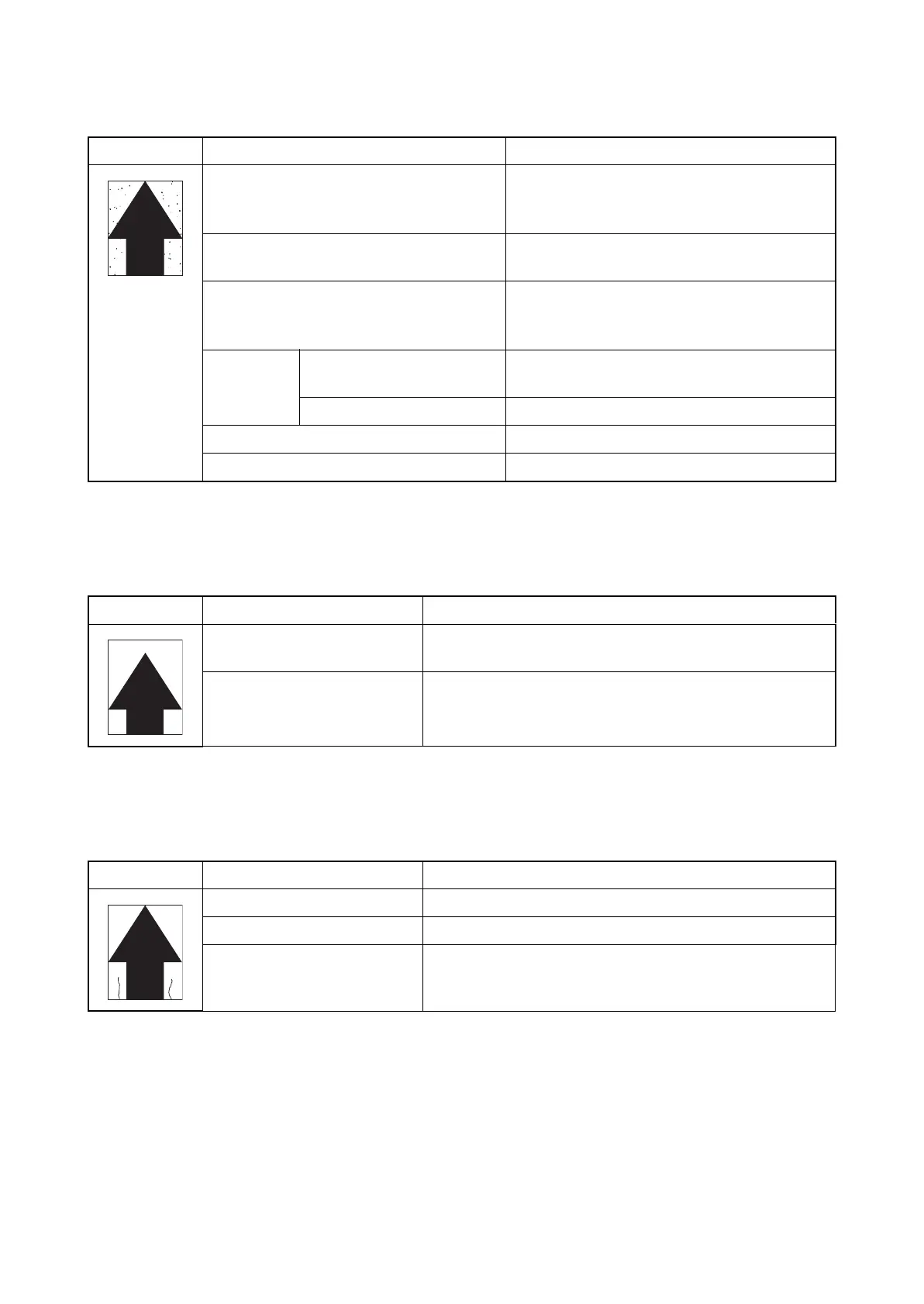
(8) Spots are printed.Printing incomplete or out of position
(9) Printing incomplete or out of position
(10) Paper is wrinkled.
Print example Causes Check procedures/corrective measures
Dirty or flawed drum. Perform the drum refresh (see page 1-3-11).
Flawed drum. Replace the drum unit (see
page 2-4-11).
Deformed or worn cleaning blade in the
drum unit.
Replace the drum unit (see page 2-4-11).
Main charge voltage setting. The main charge voltage may be set too low.
Try adjusting the main charge voltage (see
page 1-3-11).
Defective
transfer
bias output.
Defective high voltage
PWB.
Replace the high voltage PWB
(see page 1-5-7).
Defective main PWB. Replace the engine PWB (see page 1-5-7).
Flawed developer roller. Replace the developer unit (see page 2-4-10).
Dirty heat roller and press roller. Clean the heat roller and press roller.
Print example Causes Check procedures/corrective measures
Misadjusted leading edge reg-
istration.
Run maintenance menu to readjust the leading edge regis-
tration (see page 1-3-11).
Paper feed solenoid or main
motor operating incorrectly.
Check the installation of the solenoid or motor. If it oper-
ates incorrectly, replace it.
Print example Causes Check procedures/corrective measures
Paper curled. Check the paper storage conditions.
Paper damp. Check the paper storage conditions.
Defective pressure springs. Replace the fuser unit (see page 1-5-6).



 To Next Page
 Loading...






