Camera and Video 92
Review Screen
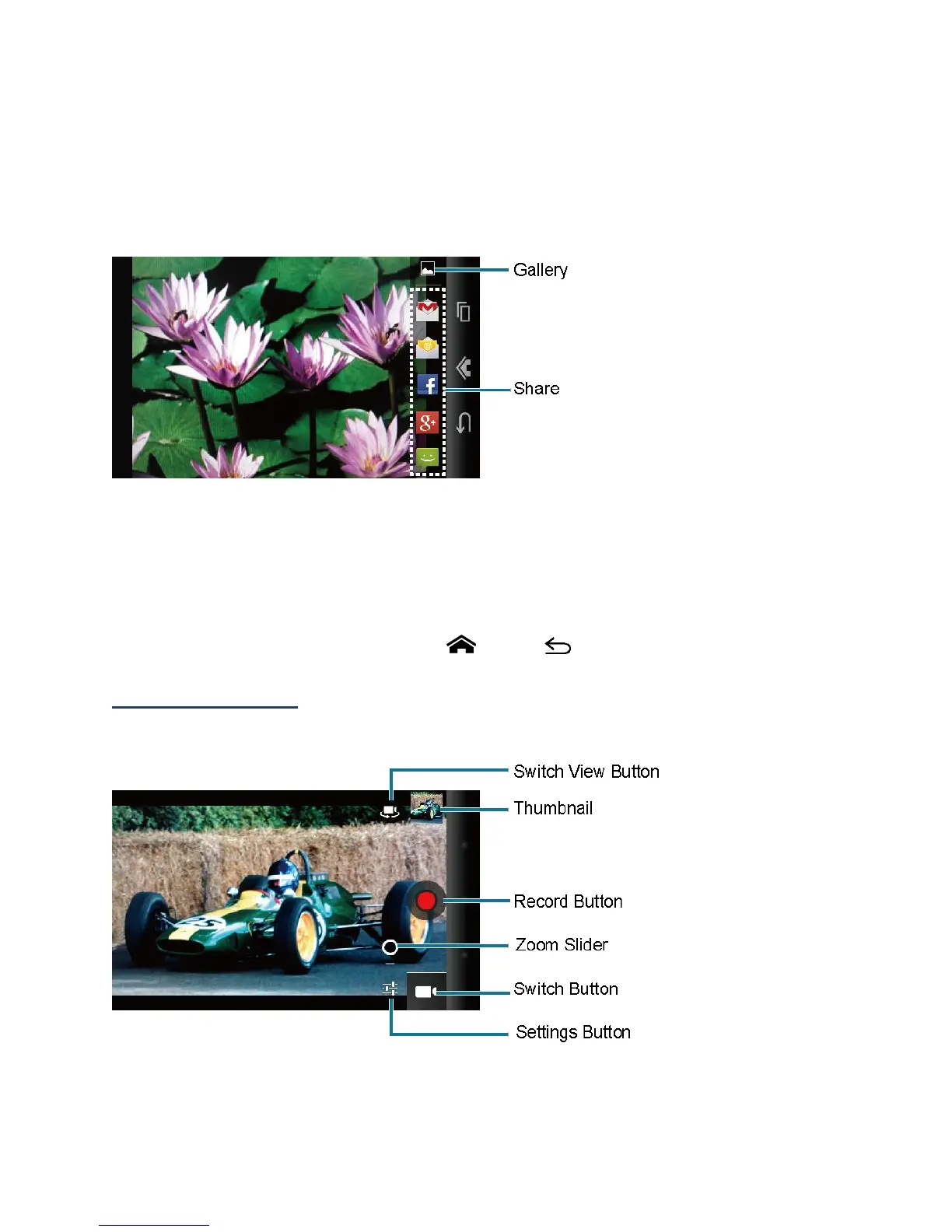
After capturing a picture or video, touch the thumbnail and the review screen is displayed.
You can instantly share your pictures or videos. See Share Pictures and Videos. Touch the
Gallery icon to edit your pictures or replay your videos. See View Pictures and Videos Using
Gallery.
●
Gallery: Opens the Gallery or Graphics application to edit your pictures or replay your
videos.
●
Share: Displays the available applications to share your pictures or videos.
Close the Camera
►
On the camera screen, touch Home or Back .
Record Videos
Camcorder Viewfinder Screen












 To Next Page