Phone Calls 42
2.
Touch to display the Call log list.
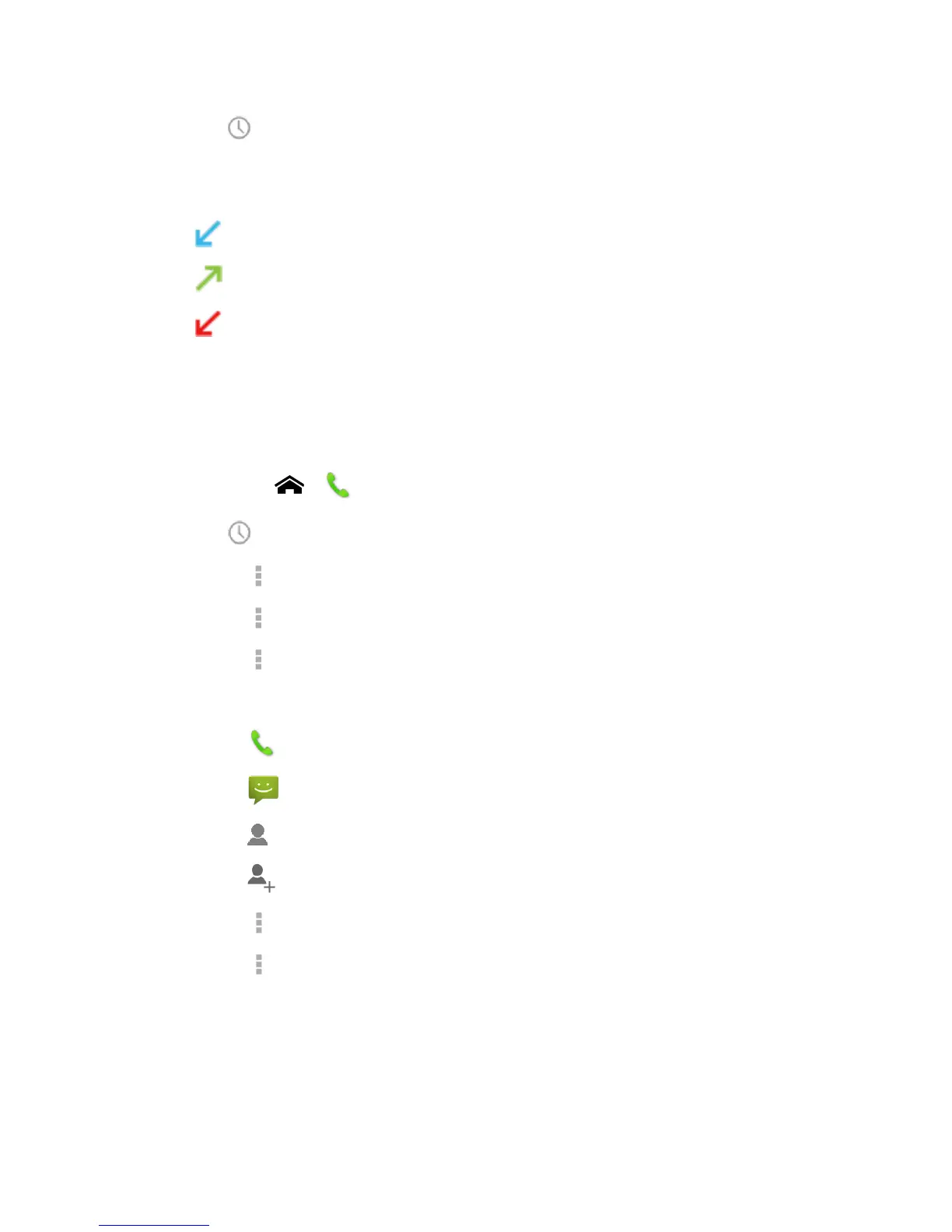
You can determine if an entry was an incoming, outgoing, or a missed call from the
icons shown below.
= Incoming Call
= Outgoing Call
= Missed Call
Call Log Options
►
To make a call from Call log, see Call from Call Log.
For additional options:
1.
Touch Home > .
2.
Touch to display the Call log list.
Touch > Clear call log to clear your Call logs.
Touch > Call log to display to select the type of calls to be displayed in the list.
Touch > Settings to show the Call settings.
3.
Touch the name to display the options list.
Touch to call the number.
Touch to send a text message.
Touch to view an entry in People.
Touch to add the number to People.
Touch > Remove from call log to remove the log.
Touch > Edit number before call to edit the number before calling.












 To Next Page