People 45
You can also select how your contacts to be displayed.
1.
Touch Home > > People > .
2.
Touch > Settings.
3.
Set the following options:
Sort list by to choose how your contacts are sorted.
View contact names as to choose how your contacts name is displayed.
Add a Contact
1.
Touch Home > > People > .
2.
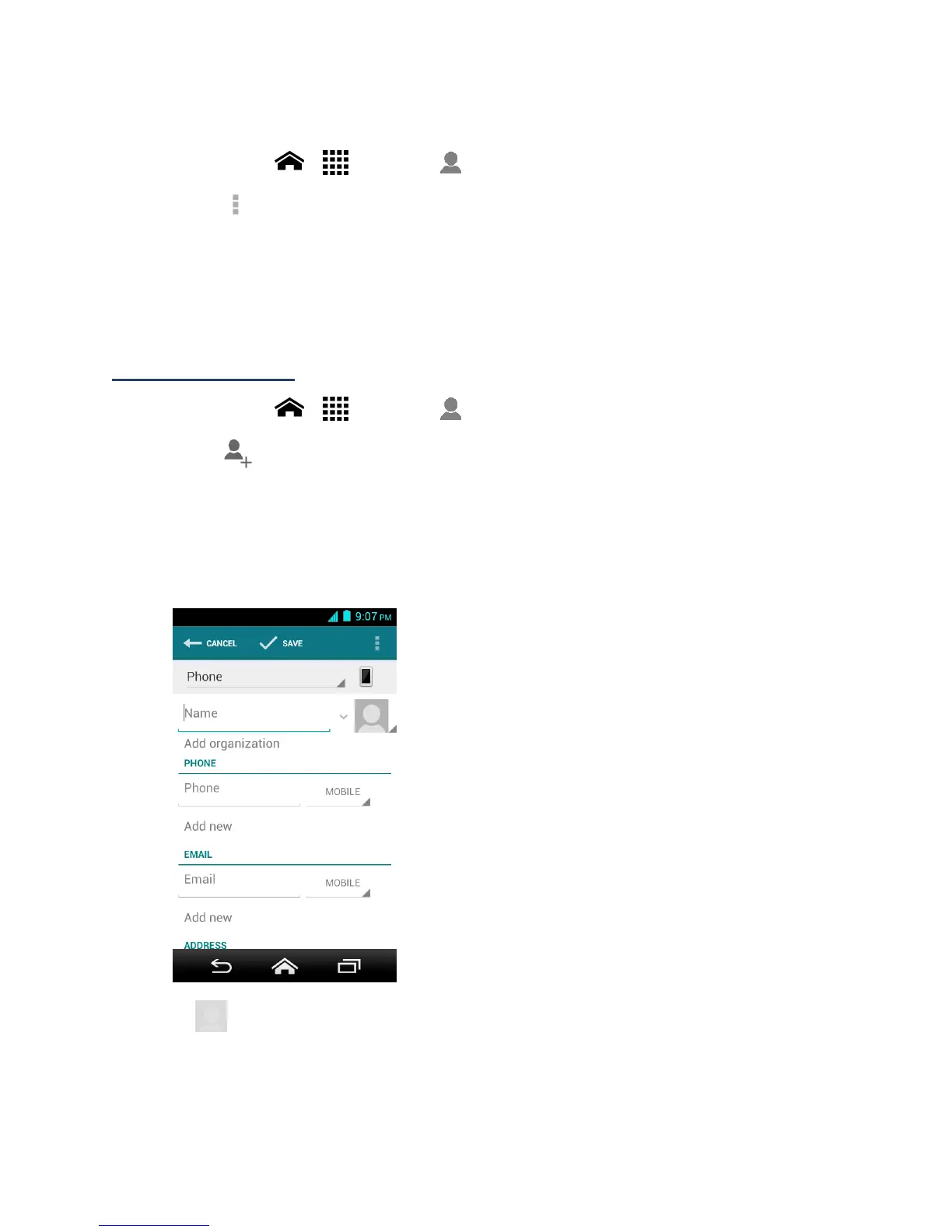
Touch .
If prompted, select the location where you want to save the contact, such as
Phone, SIM, and an account (for example, Google). If you want to change the
location later, touch the location name, and select the desired location.
3.
Use the keyboard to enter as much information as you want.
(People icon): Touch the picture icon to assign a picture to the contact. See
Assign a Picture to a Contact.
Name












 To Next Page