Phone Basics 9
Touchscreen Navigation
Warning: Do not touch with a pen or stylus. It may damage the touchscreen.
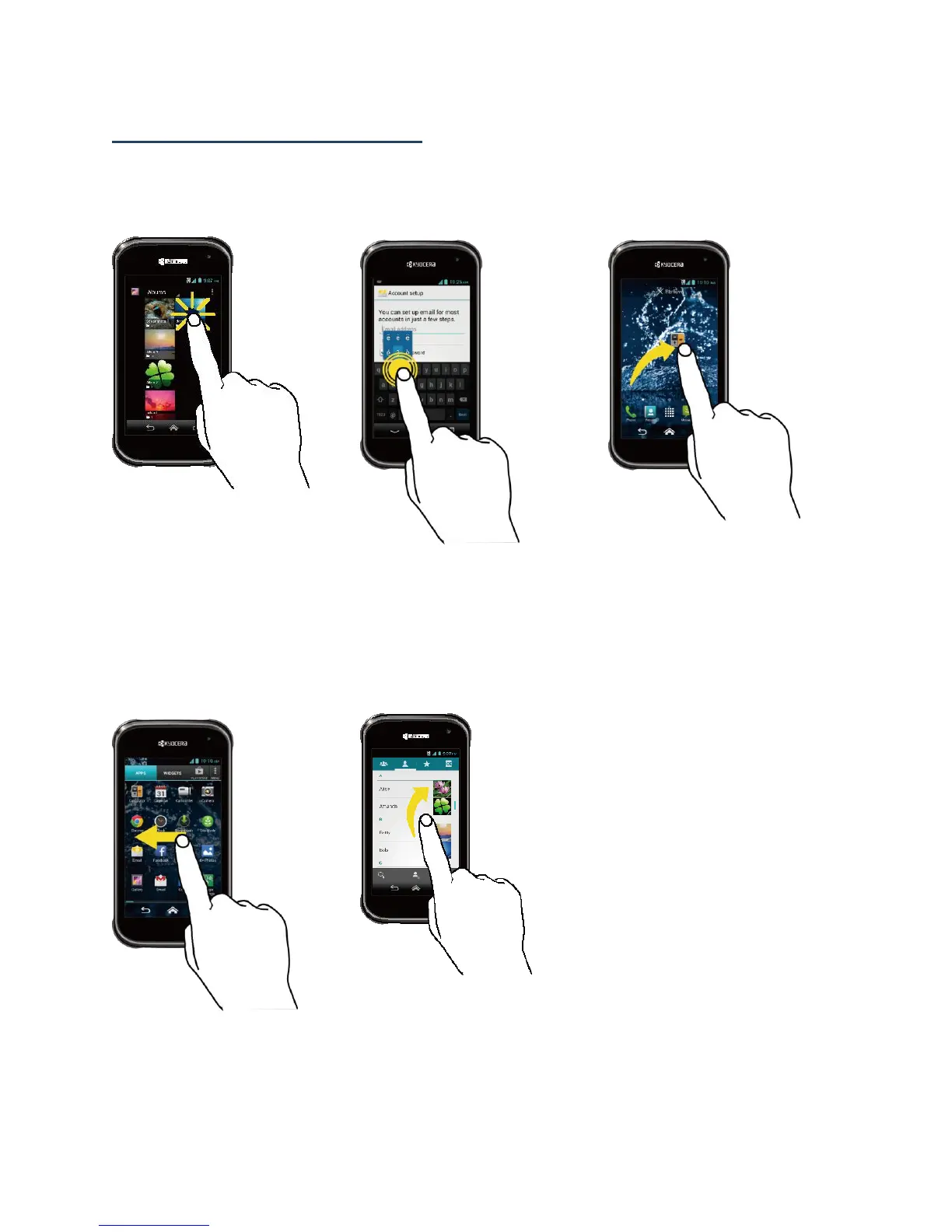
Touch
Touch the screen with your
finger to select or launch a
menu, option, or application.
A light touch works best.
Touch and Hold
To open the available options
for an item (for example, a
keyboard), touch and hold
the item.
Drag
Touch and hold your finger
before you start to move it.
Do not release your finger
until you have reached the
target position.
Swipe or Slide
To swipe or slide means to
quickly drag your finger
vertically or horizontally
across the screen.
Flick
Flicking the screen is similar
to swiping, except that you
need to swipe your finger in
light, quick strokes.












 To Next Page