Camera and Video 97
2.
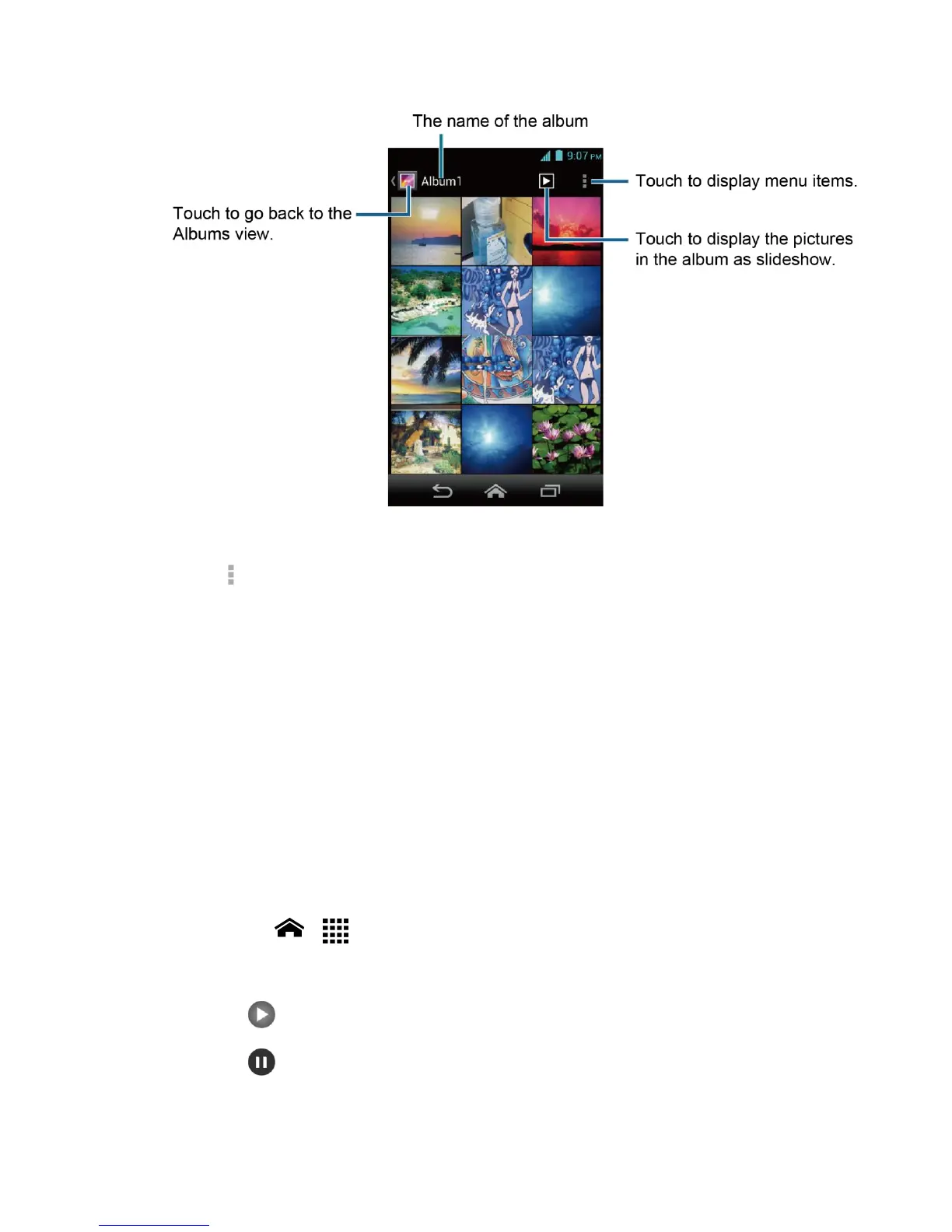
Touch an image to view a picture or video.
Note: Touch to select images or sort images.
Zoom In or Out on a Picture
There are two ways you can zoom in or out of a picture.
►
Touch the screen twice quickly to zoom in. Touch the screen twice quickly to zoom
out.
- or -
Pinch the screen using your thumb and forefinger to zoom out or spread the screen to
zoom in.
Watch a Video
Use the onscreen controls to play, pause, or stop the video.
1.
Touch Home > > Gallery.
2.
Touch an album containing the video you want to watch and touch the video.
Touch to play the video.
Touch to pause the video.
Drag the dot on the timeline to rewind or forward the video.












 To Next Page