Phone Basics 7
Turn the Phone On and Off
Turn the Phone On
►
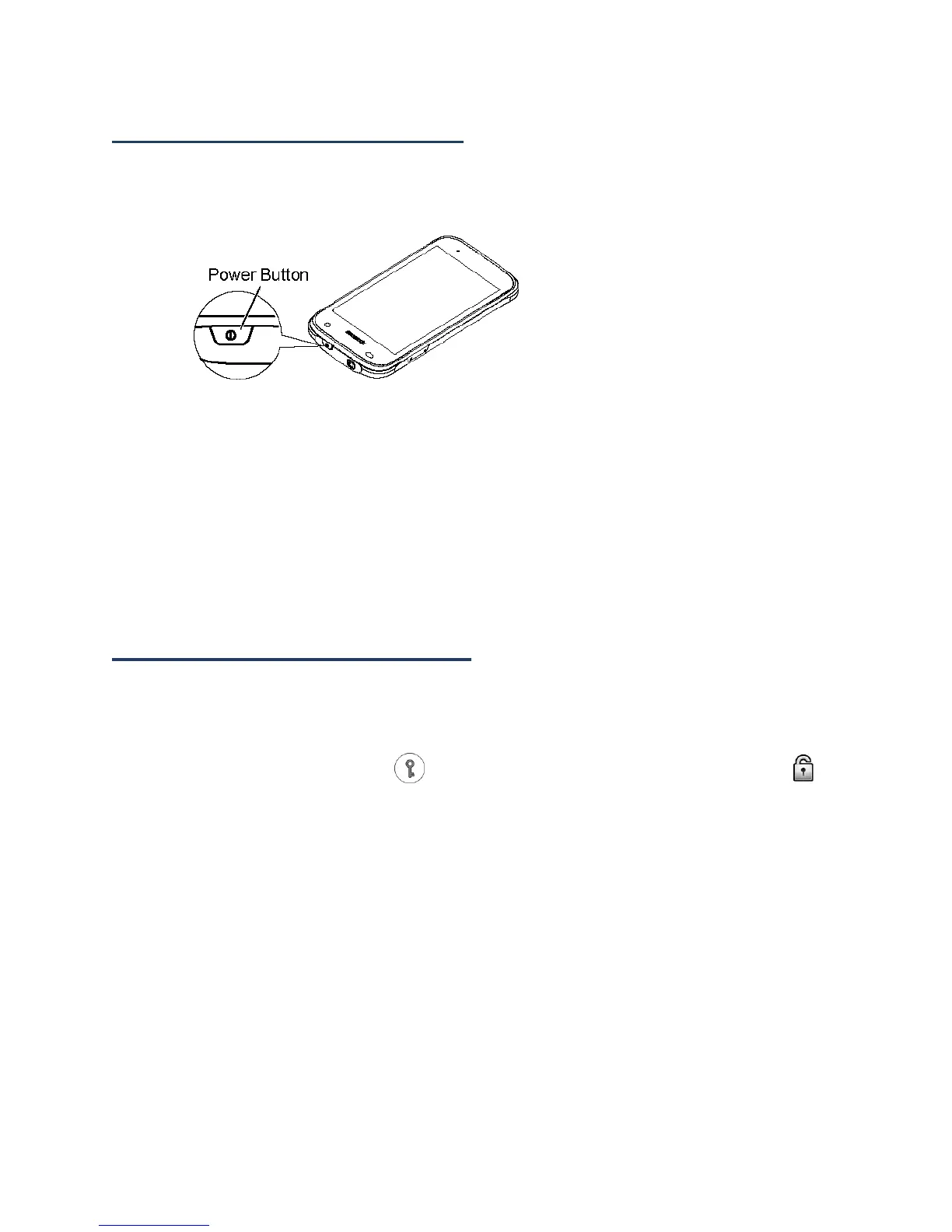
Press and hold the Power button.
Turn the Phone Off
1. Press and hold the Power button to open the phone options menu.
2. Touch Power off > OK.
Restart the Phone
1. Press and hold the Power button to open the phone options menu.
2. Touch Restart > OK.
Turn the Screen On and Off
Turn the Screen On and Unlock It
1.
Press the Power button.
2.
Touch and hold the key icon on the screen and flick toward the unlock icon to
unlock the screen.
To disable the screen lock or select a different type of lock feature, see Screen Lock.
Turn the Screen Off When Not in Use
►
Press the Power button.
To save battery power, the phone automatically turns off the screen after a certain period of
time when you leave it idle. You will still be able to receive messages and calls while the
phone’s screen is off. For information on how to adjust the time before the screen turns off,
see Sleep.












 To Next Page