Camera and Video 98
Close Gallery
►
While in the Gallery screen, touch Home .
Work with Pictures
Picture Options Menu
►
With the picture displayed, touch to show the following menu.
Delete: Deletes the selected picture.
Slideshow: Starts the slideshow of the pictures stored.
Edit: Edits the picture. See Edit a Picture.
Rotate left/Rotate right: Rotates the picture.
Crop: Crops the picture. See Crop a Picture.
Set picture as: Sets the picture as the contact picture or wallpaper.
Details: Shows the detailed information of the picture.
Edit a Picture
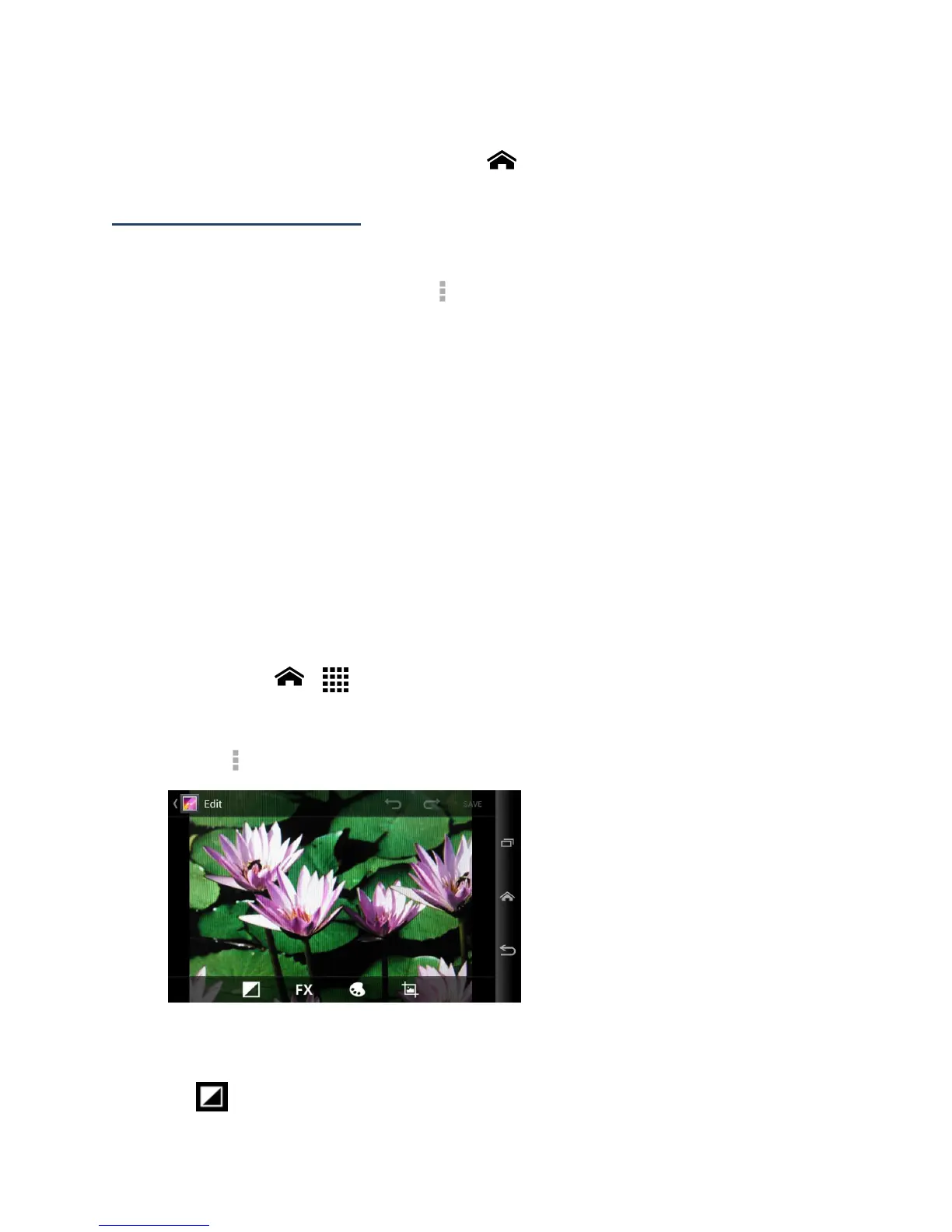
Your phone has a built in editing tool and you can alter the picture you took easily.
1.
Touch Home > > Gallery.
2.
Touch an album and then touch a picture.
3.
Touch > Edit and select an app to use.
4.
Touch the following icon to edit the picture and scroll left and right to select your
favorite effect.
to add exposure effect.












 To Next Page