Web and Data 84
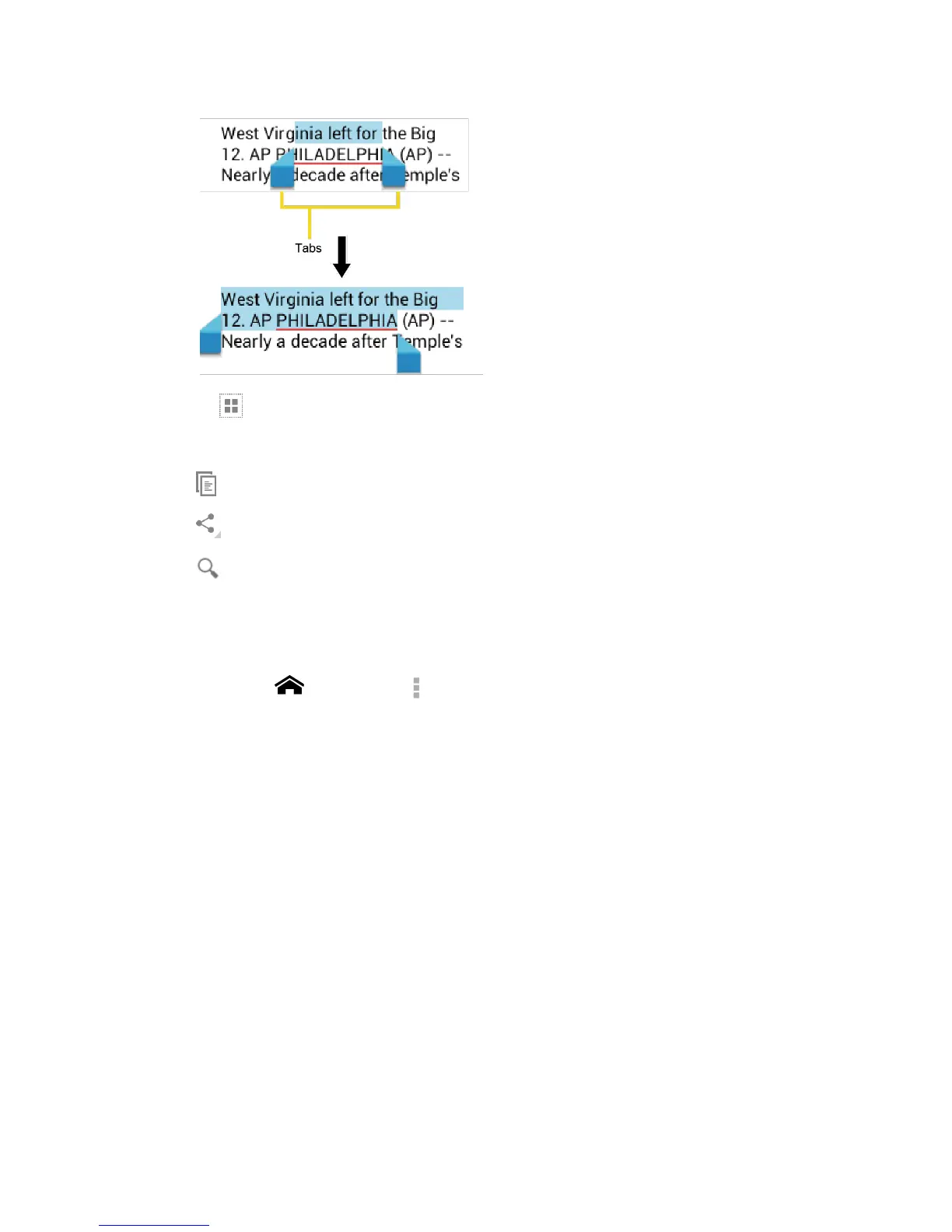
Tip: Touch to select all the text on the Web page.
3.
Select an option:
to copy the selected text.
to share the selected text via Bluetooth, Gmail, messaging, etc.
to launch a Web search for the selected text.
Adjust Chrome Settings
You can control many of the Chrome settings through the settings menu.
1.
Touch Home > Chrome > > Settings.
2.
You can access the following settings menu:
Search engine: Sets the search engine. Select a search engine from the available
list.
Autofill forms: Saves the profiles and credit card information to fill the web forms
with a single click when the setting is enabled. Touch Add profile or Add credit
card, enter the text you want to auto-fill in web forms, and touch Save.
Save passwords: Saves your passwords used in Chrome and displays them when the
setting is enabled.
Privacy:
Navigation error suggestions: Shows suggestions for alternatives when a web
address does not resolve or a connection cannot be made. Clear the check
mark to disable this function.












 To Next Page