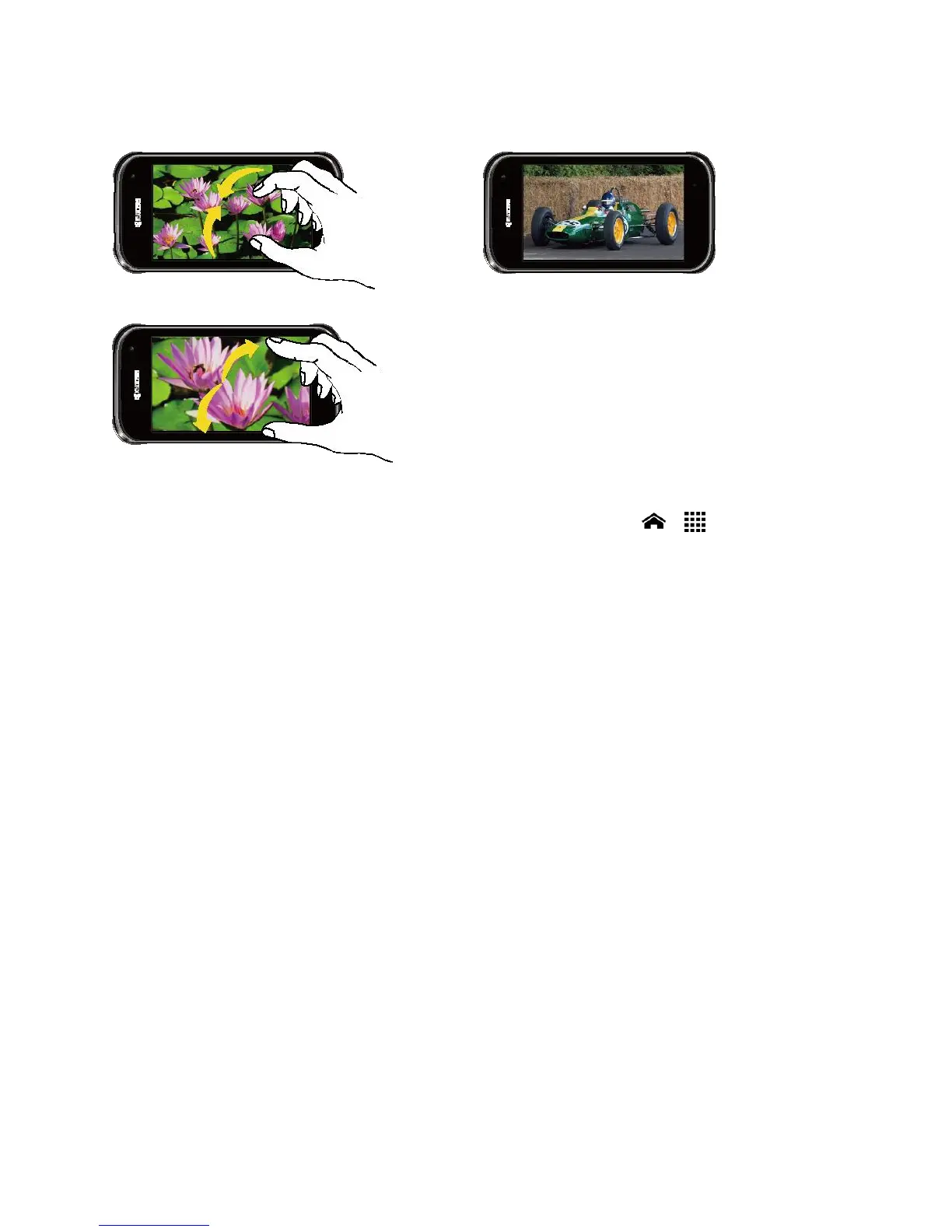
Pinch and Spread
Pinch the screen using your thumb and
forefinger to zoom out or spread the screen
to zoom in when viewing a picture or a Web
page. (Move fingers inward to zoom out and
outward to zoom in.)
Rotate
For most screens, you can automatically
change the screen orientation from portrait
to landscape by turning the phone sideways.
When entering text, you can turn the phone
sideways to bring up a bigger keyboard.
Note: The Auto-rotate screen check box
needs to be selected for the screen
orientation to automatically change.
Touch Home > > Settings >
Display > Auto-rotate screen.












 To Next Page