Text Entry 28
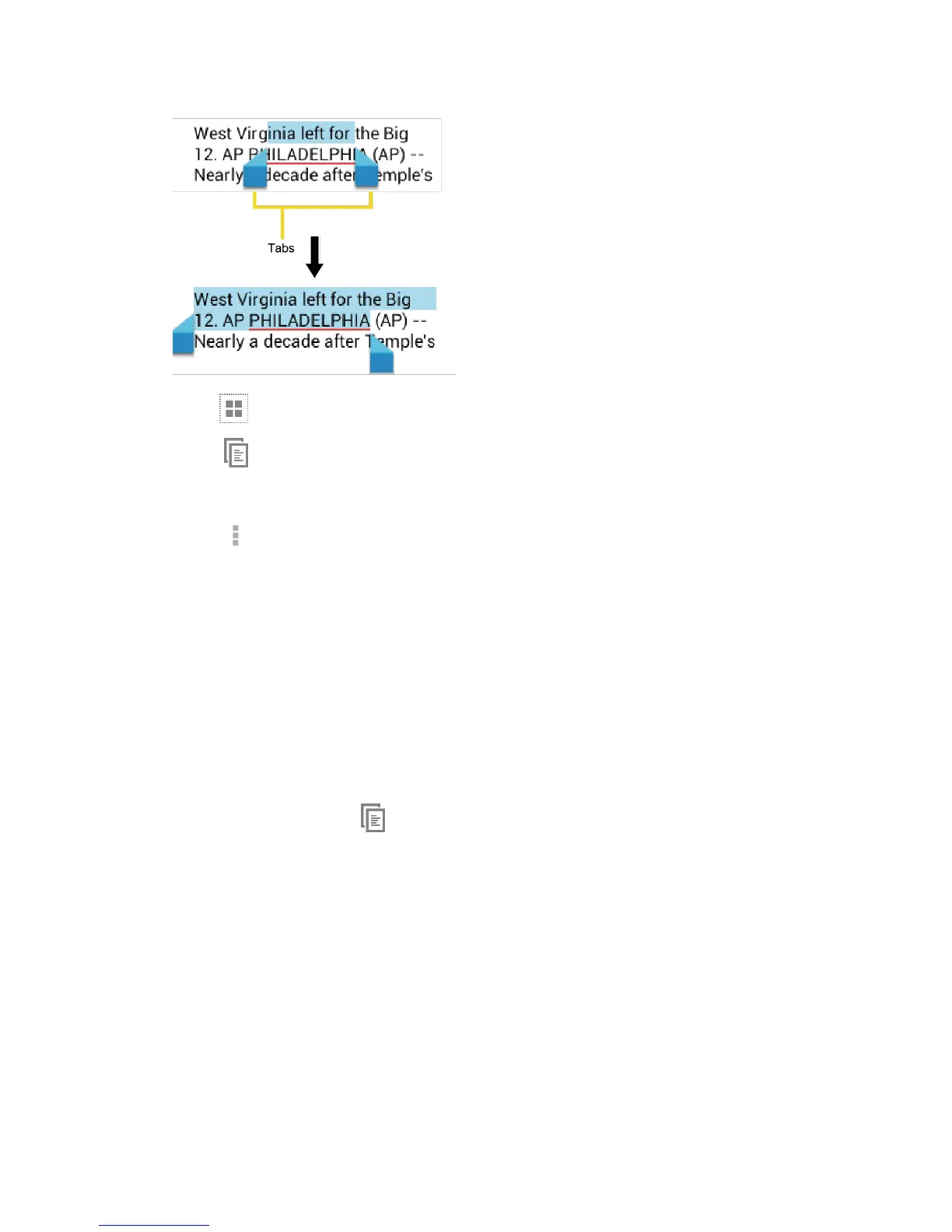
Tip: Touch or SELECT ALL to select all the text on the Web page.
3.
Touch
- or -
Touch > Copy.
4.
Open the application that you want to paste the text to.
5.
Touch and hold the text box where you want to paste the text to, and touch PASTE.
If you want to add the selected text to the current text, place a cursor to the
position where you want to insert the selected words or characters. Touch and
hold the text box, and touch PASTE.
To copy a URL:
1.
To copy a URL, touch and hold the URL to display the options menu.
2.
Touch Copy link URL or .
3.
Open the application that you want to paste into.
4.
Touch and hold the text box where you want to paste the URL to, and touch PASTE.












 To Next Page