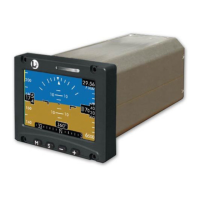
ESI-2000
Pilot’s Guide 4-3
Troubleshooting
CONDITION CAUSE/CORRECTIVE ACTION
Battery not available Access the “Status Screen” from the
menu as described in section 2 of this
Pilot’s Guide.
1. If the “Batt Temp” temperature shown
in the battery maintenance menu is
> 60Cº (140Fº), then battery operation
(discharge) is not possible due to high
temperature conditions.
• Battery discharge functionality re-
turns to normal when the battery
temperature is < 60Cº (140Fº).
2. If the “Batt Temp” temperature on this
screen is NOT Amber, indicating that
the battery temperature is < 60Cº
(140Fº), then the battery voltage is too
low to operate. Allow unit to continue
to charge.
• Battery discharge functionality returns
to normal after the battery voltage in-
creases to the appropriate level.
Red X in place of
Altitude
OR
Red X in place of
Airspeed
Indicates loss of data.
Cycle power to the ESI-2000.
If the invalidity continues to be observed
after power cycle, check the system sta-
tus screen for a failure message. If mes-
sage is observed have ESI-2000 checked
by certied service center.
Corrective Actions (continued)


 To Next Page