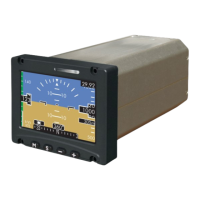
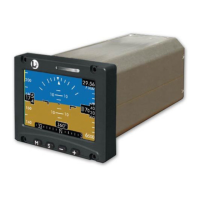
ESI-2000
Pilot’s Guide 4-7
Troubleshooting
CONDITION CAUSE/CORRECTIVE ACTION
Attitude display ele-
ments replaced with
“ALIGN HOLD” after
cycling power or re-
aligning using the menu
option.
The Align Hold message is displayed
when the unit is “Aligning” and one or
more of the following conditions are de-
tected.
1. The pitch or roll or heading angle of
the unit is in a heightened dynamic
state.
Return the aircraft to non-dynamic
straight and level ight will cause the
“Aligning” message to return.
2. For Part 27/29 aircraft - The Mag is
sending a failed message. This is in-
dicated by the heading digital readout
being removed and a large red X in
the middle of the heading tape. A “Mag
Failed” message is shown above the
heading tape.
• If Mag begins working the mes-
sage is removed and the align-
ment continues.
• If the alignment does not become
active, cycle power to the Mag.
• If the invalidity continues to be
observed after power cycle the
Mag may be defective. Have the
Mag checked by certied service
center.
< Continues on next page >
Corrective Actions (continued)


 To Next Page
 Loading...