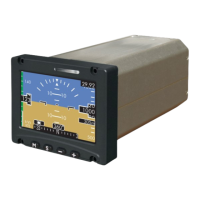
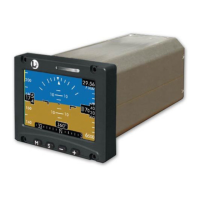
ESI-2000
Pilot’s Guide4-8
Troubleshooting
CONDITION CAUSE/CORRECTIVE ACTION
Continued from previ-
ous page.
3. For Part 27/29 aircraft - No Mag input
signal is being detected. This is indi-
cated by the heading digital readout
being removed and a large red X in
the middle of the heading tape. A “No
Mag Input” message is shown above
the heading tape.
• If Mag begins working the mes-
sage is removed and the align-
ment continues.
• If the alignment does not become
active, cycle power to the Mag.
• If the invalidity continues to be
observed after power cycle the
Mag may be defective. Have Mag
checked by certied service cen-
ter.
Screen is green If the screen input data fails to update,
the screen elements are removed and re-
placed with the green screen.
Cycle power to the ESI-2000.
If the green screen continues to be ob-
served after power cycle the ESI-2000
may be defective, have ESI-2000 checked
by certied service center.
System Status Screen:
If the following message
is shown:
Mag Fail•
Mag may be defective. Have Mag checked
by certied service center.
Corrective Actions (continued)


 To Next Page
 Loading...