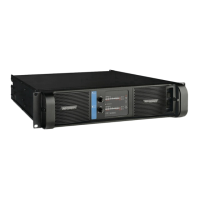
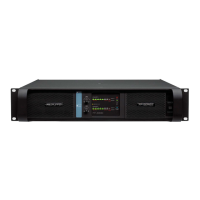
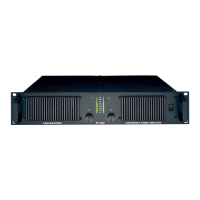
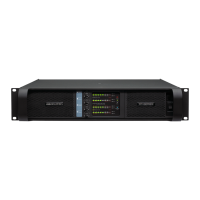
6 QUICK GUIDE OVERVIEW
6.2.1 Network and Configuration section
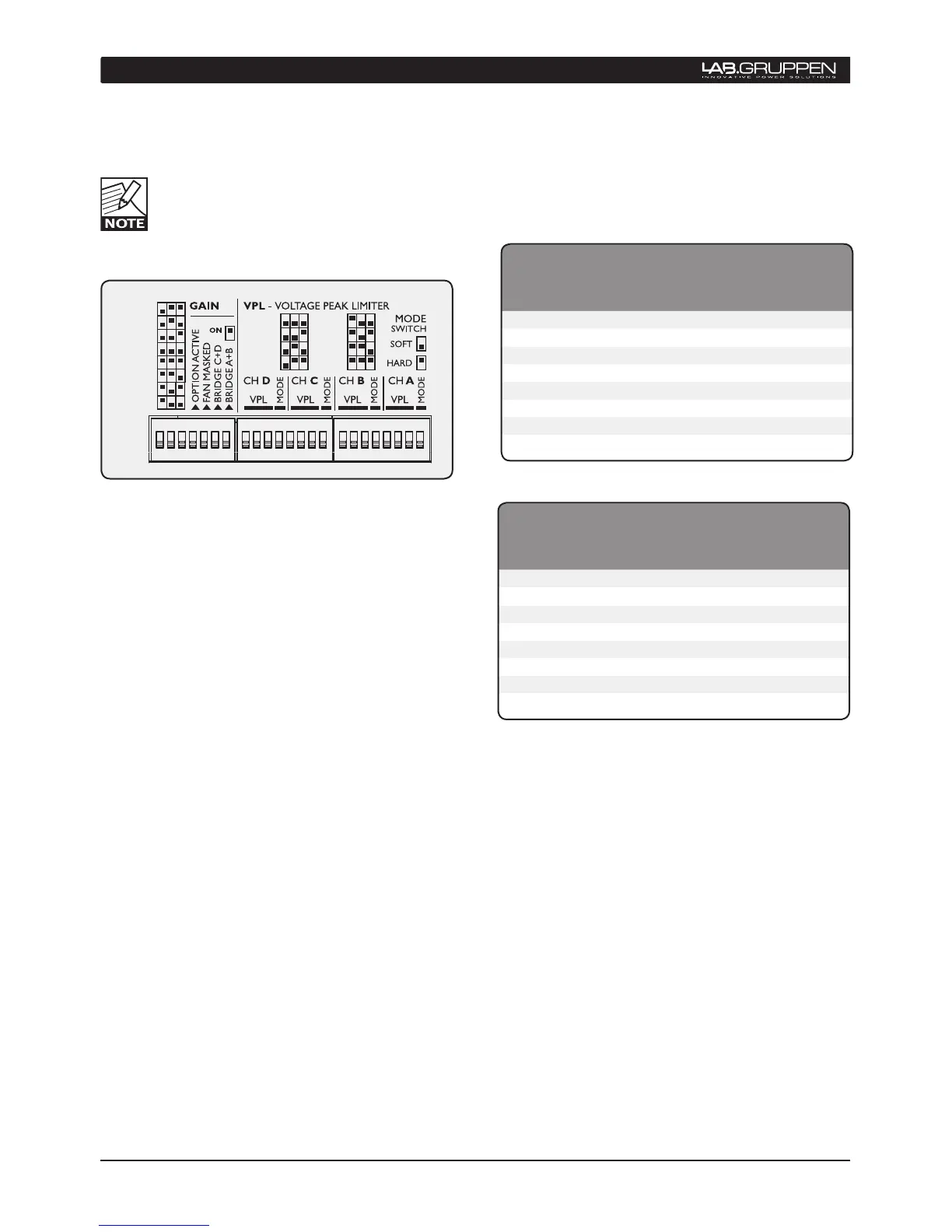
Four-channel model shown. Two-channel versions
have VPL and Bridge Mode switches for channels
A and B only. All models have different VPL values.
Functions are otherwise identical.
6.2.2 The DIP switch features
The following features may be adjusted using the
DIP switches on the rear-panel of the amplifier.
Gain - Globally set for all channels, from +23 dB to +44
dB in 3 dB steps.
Option active - Not currently implemented.
Fan Masked - When on, engages the intelligent
fan feature; fan speed is lowered when no signal is
present.
Bridge A+B and C+D- Switches the channel pairs
into bridge mode operation An automatic -6 dB gain
compensation is applied.
VPL - Voltage Peak Limiter adjustment is provided
for eight discrete levels for each channel except FP
6000Q which has 6 discrete levels for each channel.
Select the setting most appropriate for connected
speakers.
Mode - Select VPL mode to either Hard or Soft
operation. For channels driving sub-woofers and
low-frequency drivers, it is recommended to use
the Hard setting for optimal operation. For mid- and
high- frequency drivers, always select Soft.



 To Next Page
 Loading...