Echo Liquid Handler Software 5-19
When the survey is complete, and the destination microplate is
positioned correctly above the source microplate, the liquid transfer
process begins. Using the data contained in your destination microplate
definition, the protocol definition, and the source microplate survey just
performed, droplets are ejected from each specified source microplate
well into the corresponding destination microplate well. A progress bar
keeps you informed of the liquid transfer in progress. You can abort the
liquid transfer process by clicking the A
BORT button.
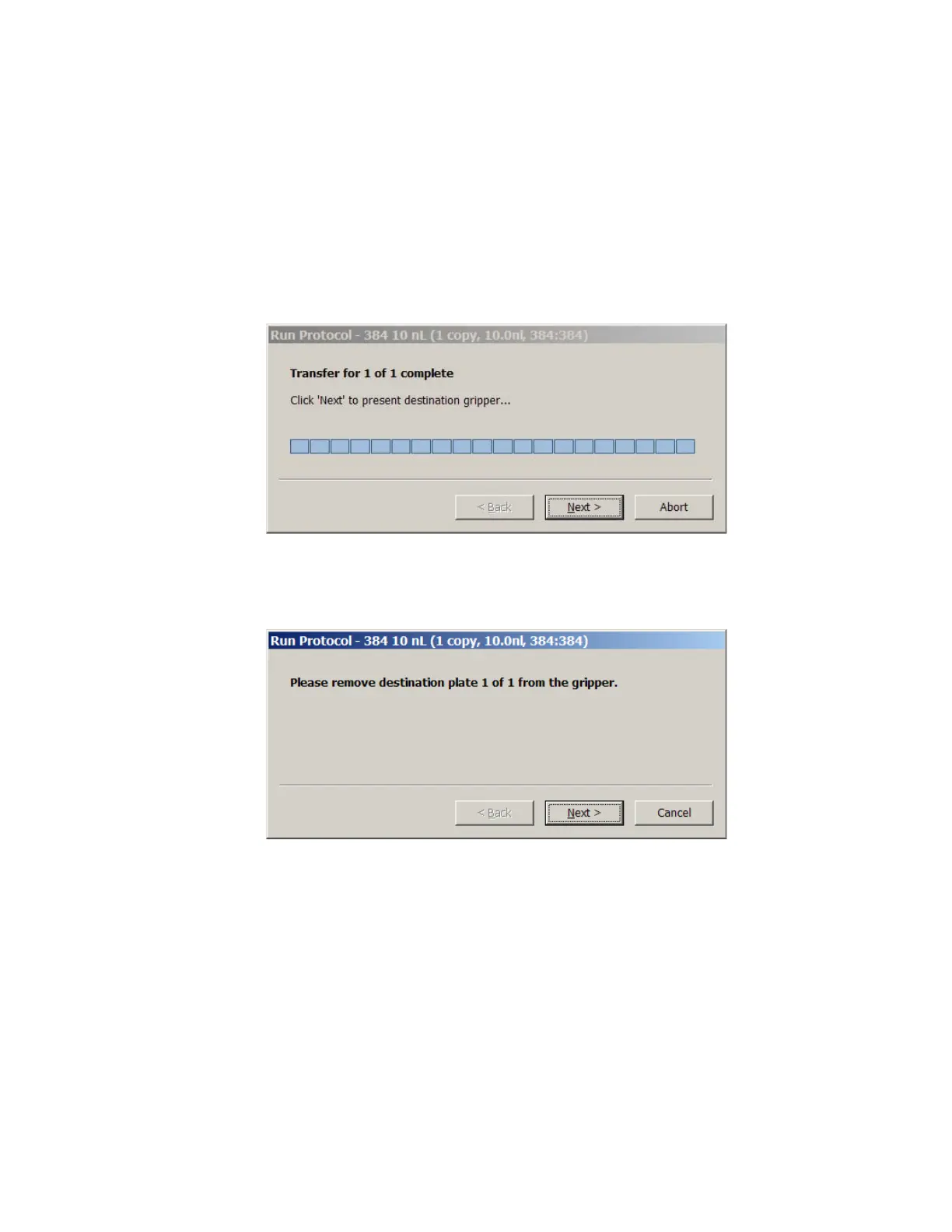
5. When the liquid transfer is complete, click the NEXT button.
The destination plate gripper stage extends outside of the Echo liquid
handler and reverts the plate to its upright position.
6. Remove the destination microplate and click the NEXT button.
The destination plate gripper stage retracts into the Echo liquid handler
and the source plate gripper stage extends outside of the Echo liquid
handler.
7. Remove the source microplate and click the DONE button.
The source plate gripper stage retracts into the Echo liquid handler.
The liquid transfer protocol is finished.



 To Next Page