SmartShop|Maker Owner’s Manual
18
4.3 Leveling the Machine
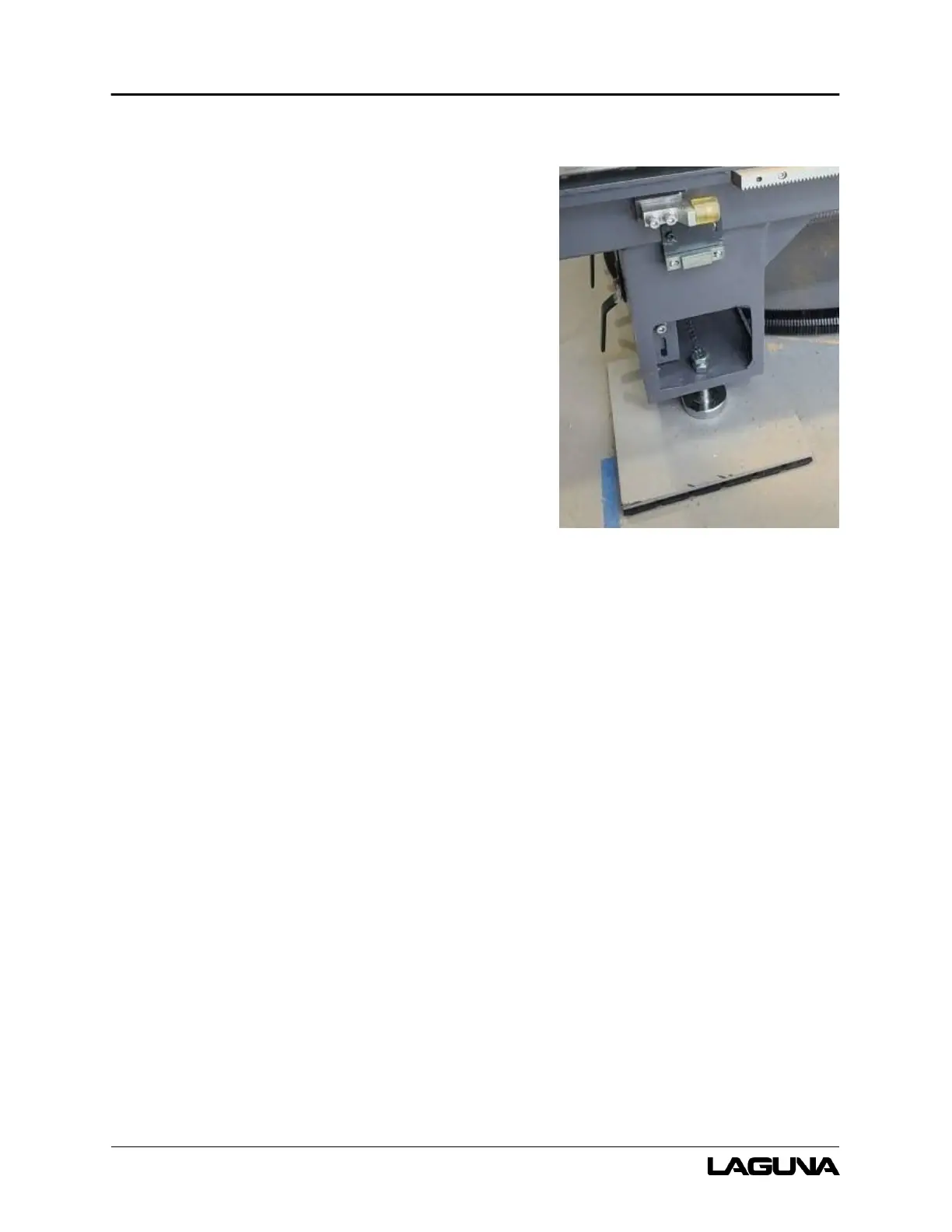
Laguna Tools supplies leveling pads, bolts, and nuts
with your SmartShop|Maker. Before placing the
machine on the floor, insert one (1) and one (1) nut
into the six (6) locations for the leveling pads. The bolt
head will face upward toward the worktable. The
leveling pads will be centered beneath each bolt.
Ensure the machine is level by adjusting the height of
each bolt as necessary.
4.4 Lighting
Ensure that the lighting your machine is placed under
is sufficient to safely perform regular operation and
maintenance. Any glares, shadows, or strobe lighting
which may distract or prevent the operator from safely
operating the machinery should be removed from the
working area.
4.5 Unpacking the Machine
Unpacking the SmartShop|Maker will require tin snips, a knife, and a wrench.
1. Using the tin snips, cut the banding that is securing the SmartShop|Maker to the pallet.
2. Ordered parts will be packed on the machine.
3. Approaching the machine from the long side and lift the machine by the frame taking care
that there are no cables or pipes around the forklift tynes. The caterpillar track tray, vacuum
hoses, air lines, and cables under the SmartShop|Maker are very susceptible to pinch and
crush damage.
4. Lower the machine gently to the floor.
Figure 4-1: Leveling Pads



 To Next Page