SmartShop|Maker Owner’s Manual
26
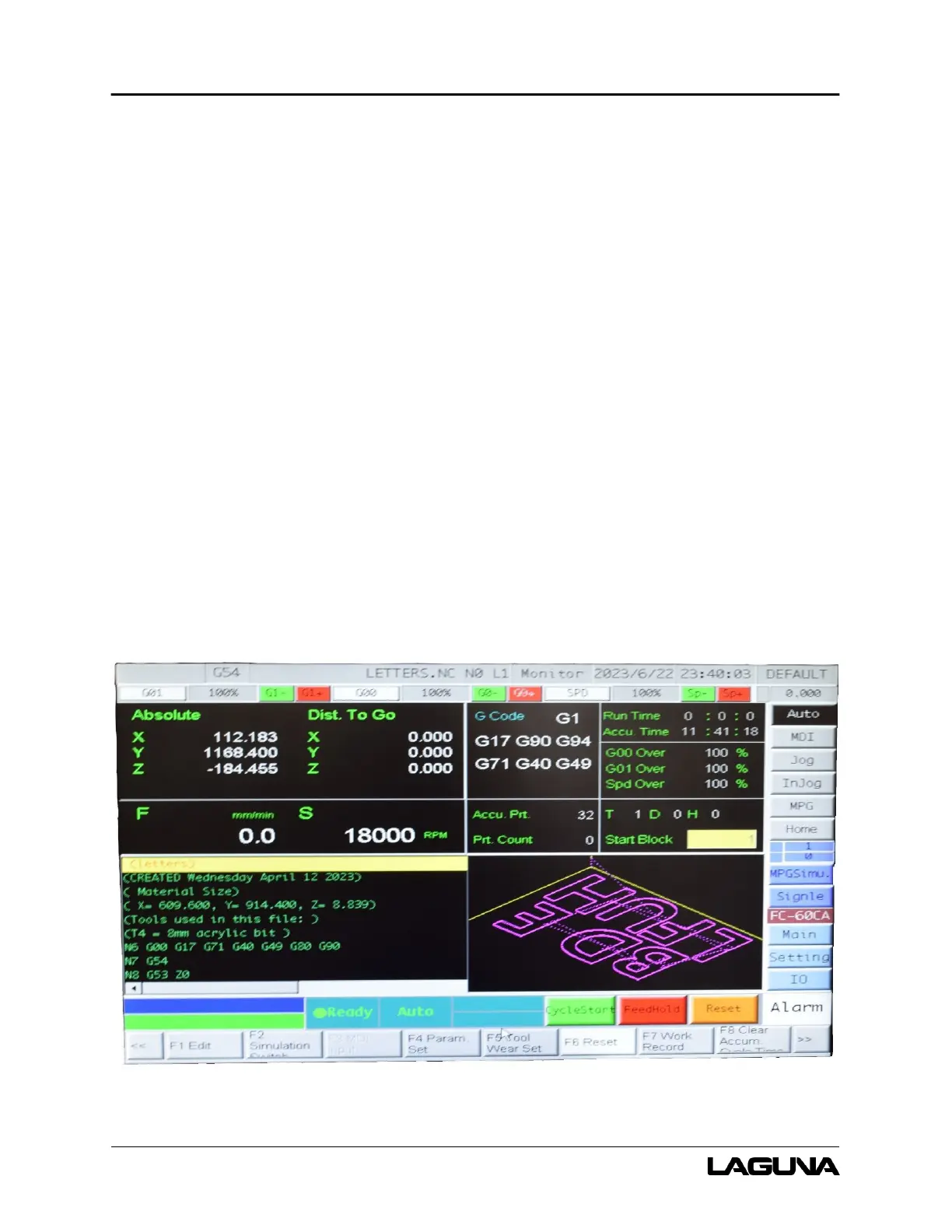
5. Main – Navigates to the Main screen.
6. CycleStart – Executes the selected program or process.
7. FeedHold – Click to pause the current program.
8. Reset – Resets the software.
6.3 Homing the Machine
1. To home the machine, click Home.
2. Click Cycle Start.
6.4 Tool Touch Off (TTO) Setup Procedures
6.4.1 TTO Setup with TTO Switch
To automatically measure the tool length using the TTO Switch:
1. Click MDI.
2. Click F4 Monitor.
Figure 6-2: Monitor Screen



 To Next Page