34
03 • PROGRAMS
90024570rev00
•
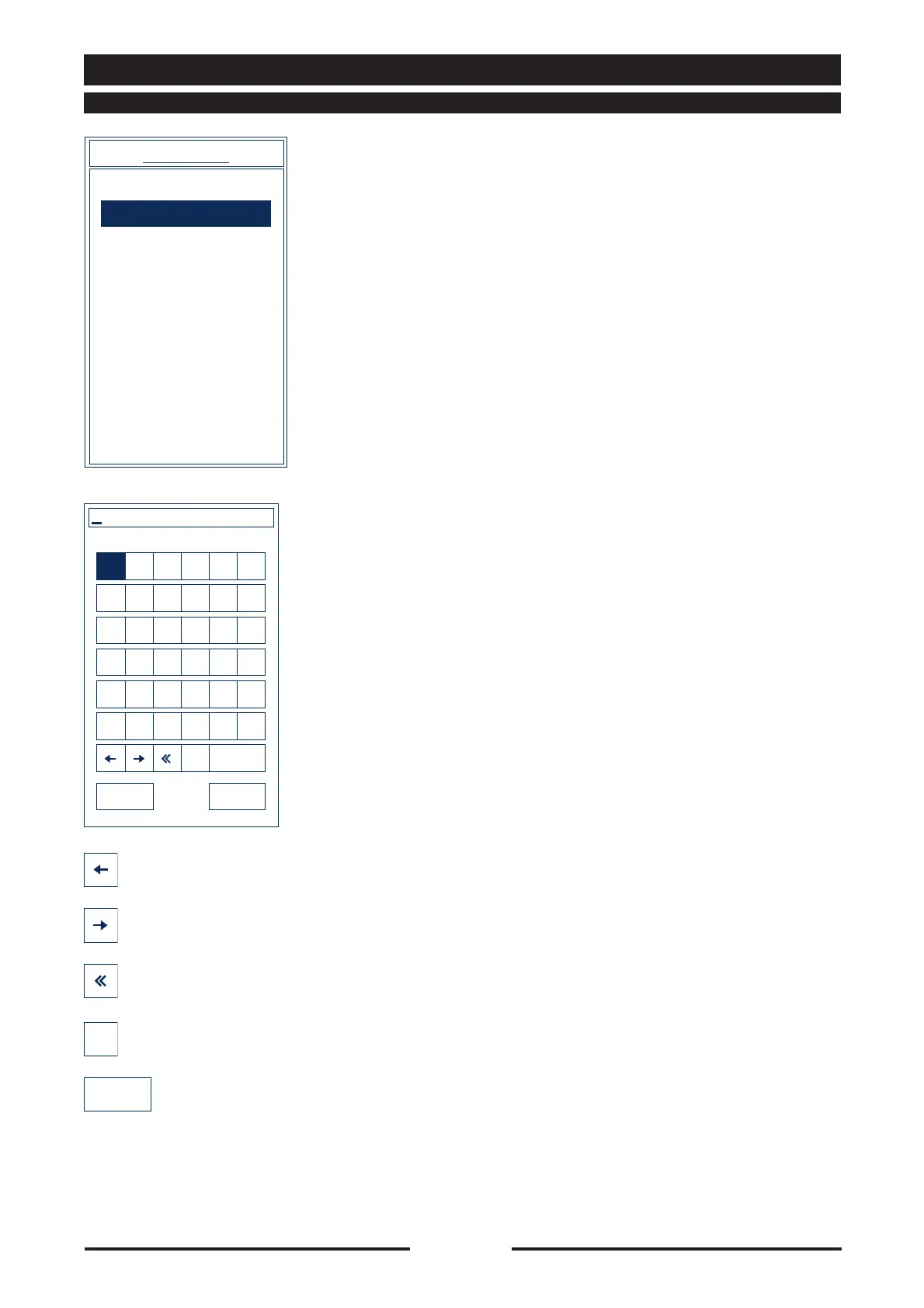
Select “New program” to create a new
recipe by pressing the touch screen or
turning the Scroller+ to highlight “New
program”, then confirm by pressing the
Scroller+.
•
Enter the name of the new recipe and
confirm by pressing ENTER.
User programs
New program
PROGRAMS
A BCDEF
GHI J KL
MNOPQR
STUVWX
YZ0123
456789
canc SPACE
ENTERESC
Enter name of recipe
14 • PROGRAMS
14.4 - CREATING A NEW PROGRAM
Moves the cursor one space to the left
Moves the cursor one space to the right
Cancels the character immediately to the
left of the cursor
Cancels the character immediately to the
right of the cursor
Inserts a blank space
canc
SPACE





 To Next Page