65
90024570rev00
65
90024570rev00
20 • WASHING THE OVEN
20.3 - SOFT WASH
•
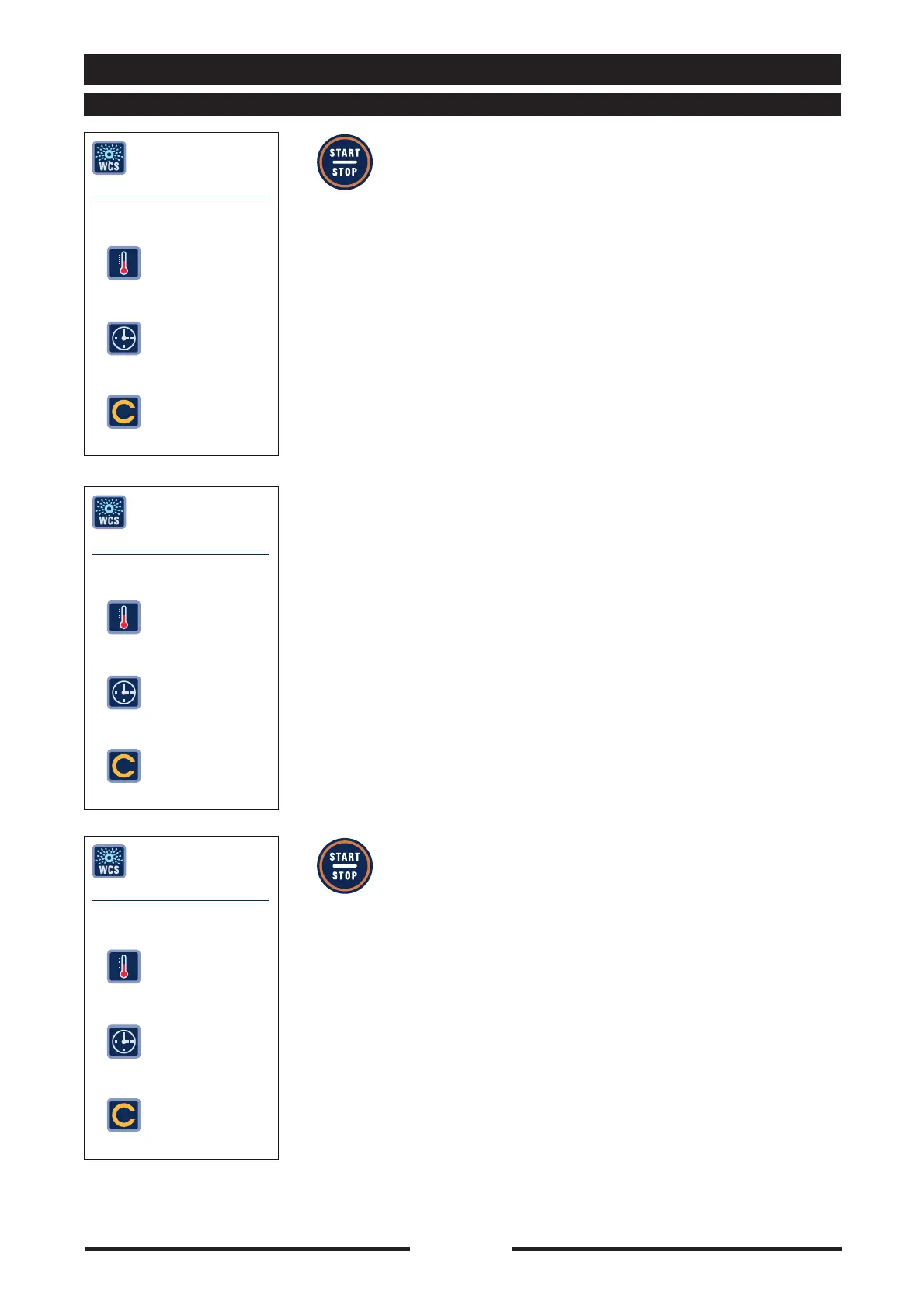
Press the “START/STOP” key to start the
Soft wash cycle.
•
The display shows “COOLING” if the oven
temperature is too high or “WAIT” if the
oven temperature is too low.
The oven heats or cools to the ideal
temperature for the washing cycle.
•
The display shows “INSERT WASH ARM”,
open the door and insert the wash arm
in its seat and turn it 90°, ensuring it is
properly engaged.
Close the door and press “START/STOP”
to start the wash cycle again.
OVEN WASHING
SOFT
PRESS START TO START
CYCLES
--
83°
01/07
OVEN WASHING
SOFT
COOLING
CYCLES
--
83°
01/ 07
OVEN WASHING
SOFT
INSERT WASH ARM
CYCLES
--
52°
01/ 07





 To Next Page