7
90024570rev00
5 • SWITCHING THE OVEN ON
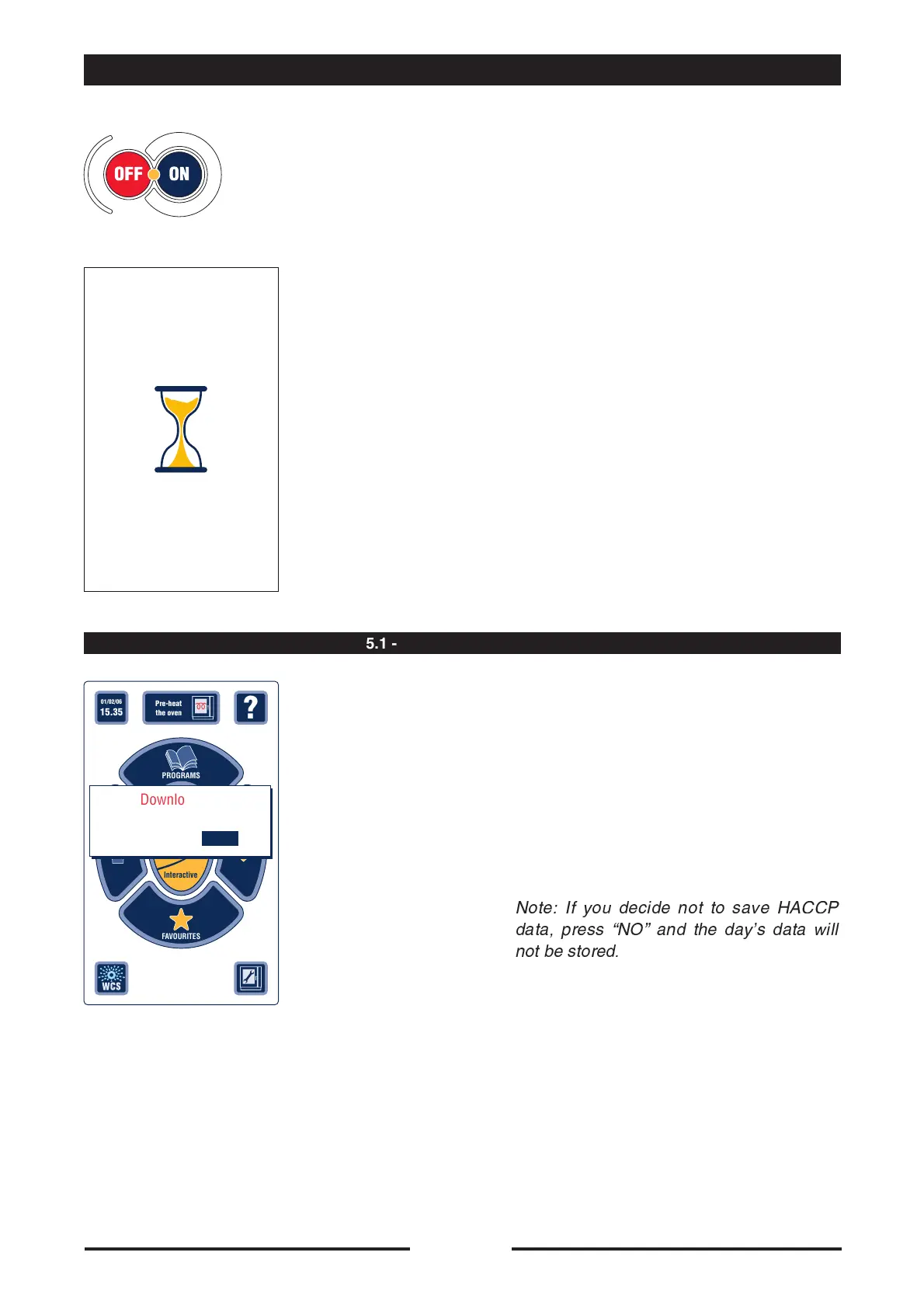
PLEASE WAIT
15 seconds
Press the “ON” key to start the oven. the
key light stays on steady.
•
Wait 15 seconds for the oven to start.
•
With the first start-up of the day, the oven
prompts the operator to save the HACCP
Log on a USB pen.
See chapter 23.2.2 for the procedure on
saving the HACCP log.
Note: If you decide not to save HACCP
data, press ÒNOÓ and the dayÕs data will
not be stored.
?
01/02/06
15.35
EXTRA
Pre-heat
the oven
FA VOURITES
PROGRAMS
MANUAL
Cooking
Interactive
Download log
HACCP?
YES NO
5.1 - SAVING HACCP LOG





 To Next Page