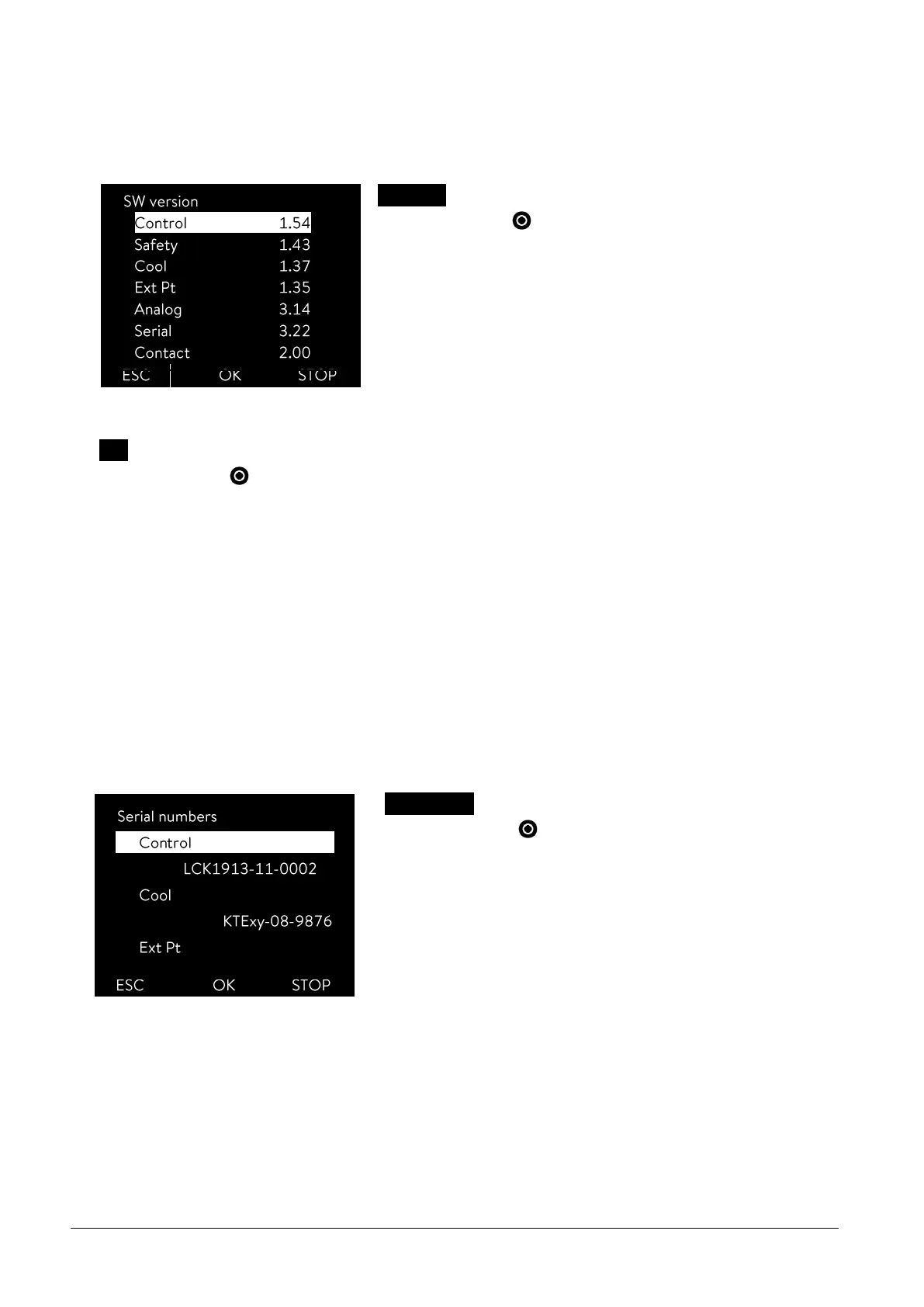
SW version
- confirm with .
Under the menu point SW version the appropriate software versions are
displayed, depending on the device type and connected modules.
Type
- confirm with .
The device type without the suffix "G" (GOLD) is shown in the menu.
You can change the device type .
Note:
With a change of device type parameters are re-initialized and control parameters adapted by the user are lost!
Therefore, the type change has a three second delay on the key depression.
The overtemperature switch-off point T
max
is automatically adapted to the device type, i.e. with the ECO GOLD ther-
mostat with a stainless steel bath T
max
= 202 °C, for the ECO GOLD thermostat with transparent bath T
max
= 102 °C.
You must now manually re-enter T
max
( 7.4.1), because otherwise the device enters the error status (error message in
ECO GOLD "T max diff. Ctrl-Safety").
Serial numbers
- confirm with .
Under the Serial numbers menu point the serial numbers of Control and
Safety are displayed. Provided they are available, the serial numbers of
connected modules are also displayed.



 To Next Page