A
A
C
C
S
S
6
6
0
0
6
6
D
D
i
i
g
g
i
i
t
t
a
a
l
l
A
A
C
C
S
S
e
e
r
r
v
v
o
o
d
d
r
r
i
i
v
v
e
e
M
M
a
a
n
n
u
u
a
a
l
l
R
R
e
e
v
v
1
1
.
.
0
0
Tel: (86)755-26434369 18 Website: www.leadshine.com
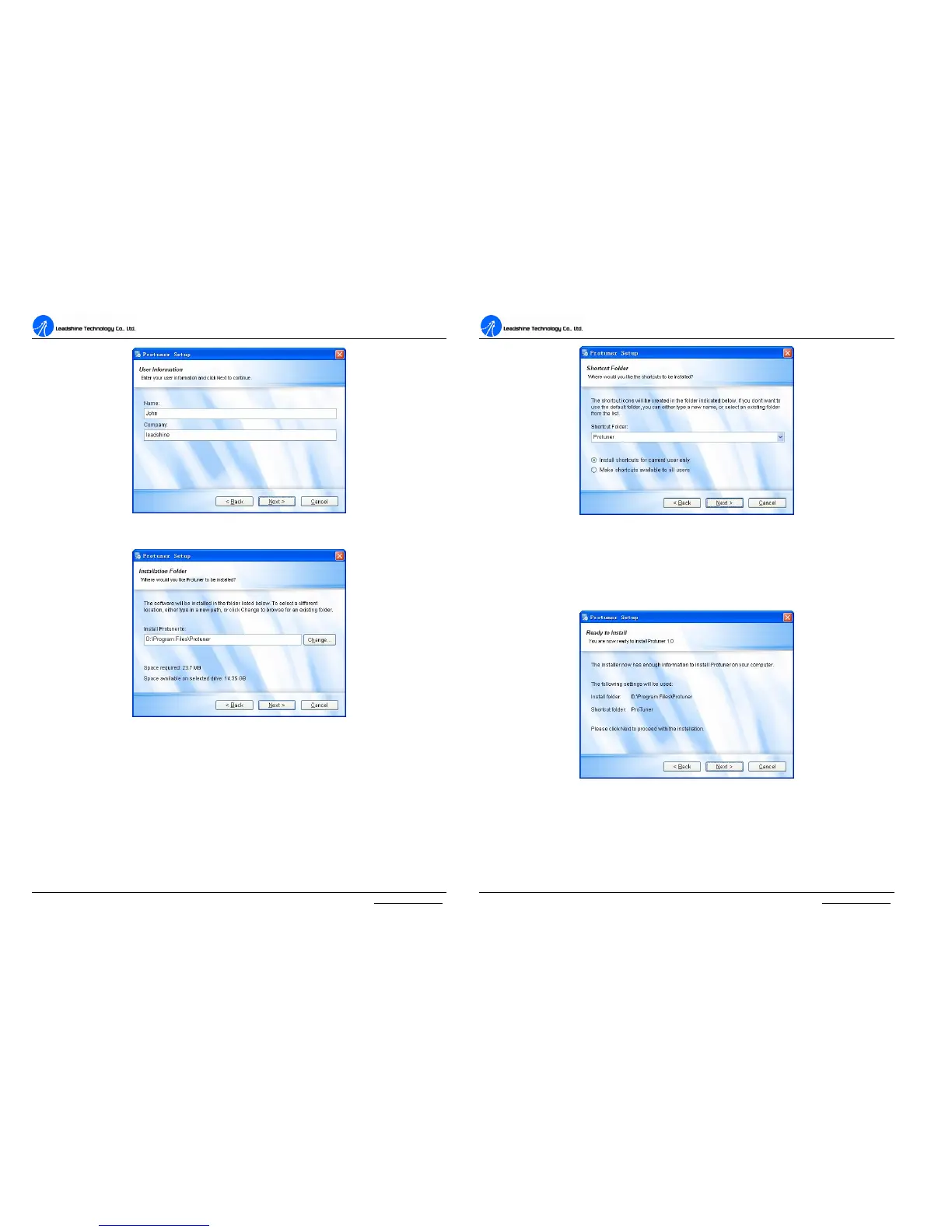
Figure 14: User’s information settings
Figure 15: Installation folder settings
A
A
C
C
S
S
6
6
0
0
6
6
D
D
i
i
g
g
i
i
t
t
a
a
l
l
A
A
C
C
S
S
e
e
r
r
v
v
o
o
d
d
r
r
i
i
v
v
e
e
M
M
a
a
n
n
u
u
a
a
l
l
R
R
e
e
v
v
1
1
.
.
0
0
Tel: (86)755-26434369 19 Website: www.leadshine.com
Figure 16: Shortcut folder setting
Set the “Shortcut Folder” in Figure 16 and continue to install the ProTuner by
following Figure 17 and Figure 18. An Installation Successful window will appear if
the ProTuner is installed successfully. See Figure 19.
Figure 17: Installation information summarization



 To Next Page