normal use, whereas the "Advanced" parameters should only be modified by an Administrator who
knows the system in depth.
The explanation of each parameter is found in chapter 4 above (sections 4.4 & 4.5).
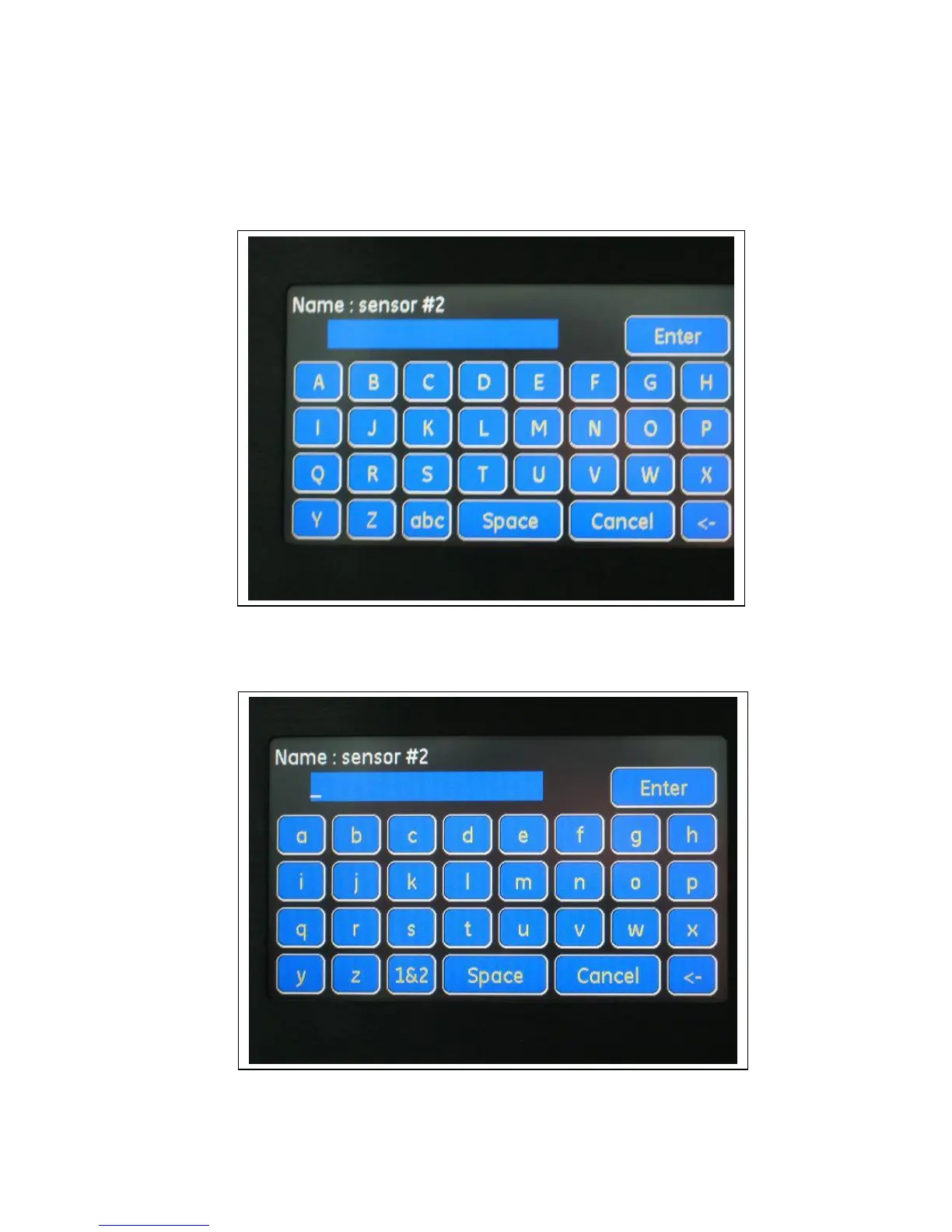
Pressing Sensor #x to edit its' parameters. To edit sensor Name, press the Edit button for this
parameter. A keypad appears with UPPERCASE letters:
By pressing the "abc" button (on the left side of the "Space" button, bottom row) the keypad
changes to a lowercase keypad:


 To Next Page
 Loading...
