The button "abc" has changed to "1&2" as well as the letters changed to lowercase.
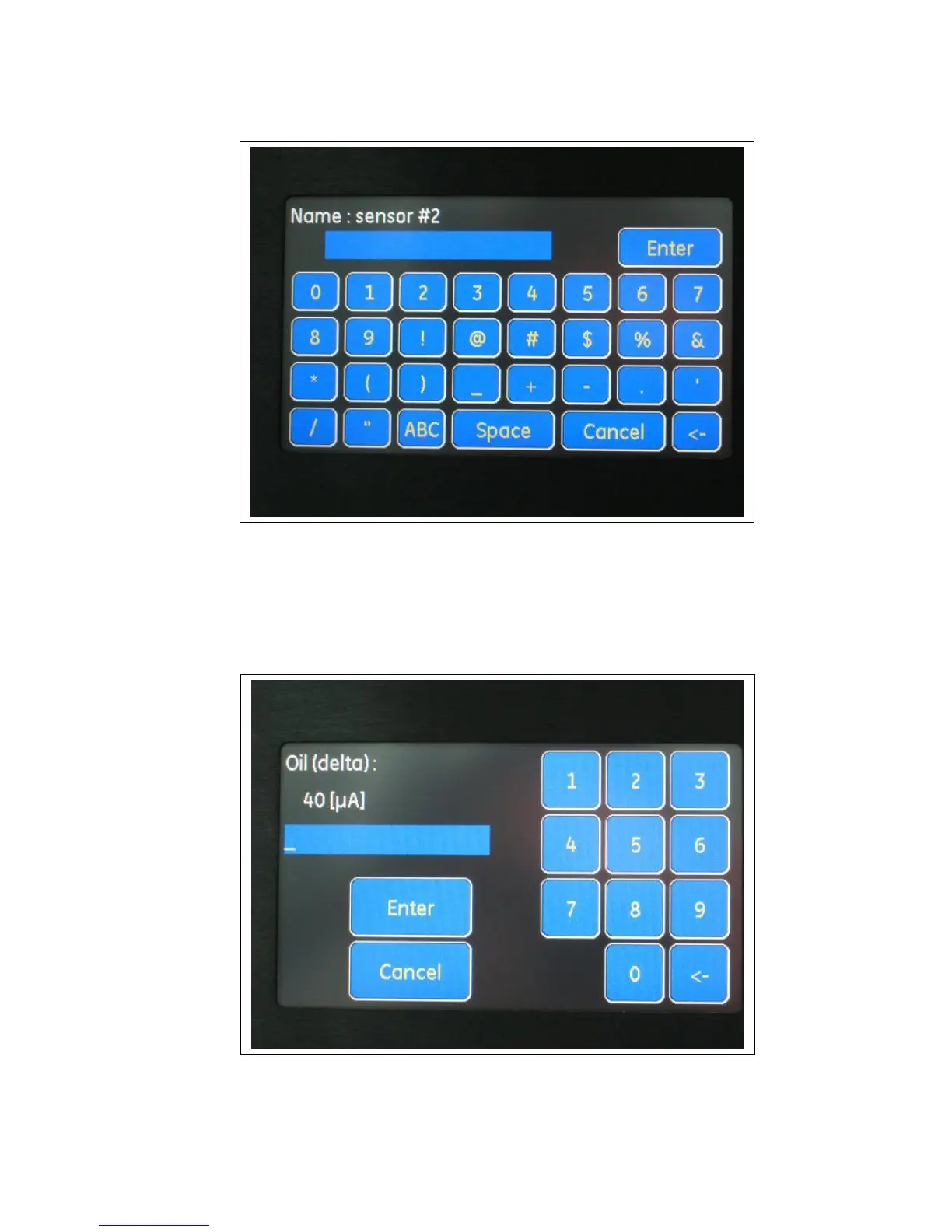
Pressing the "1&2" button will change the keypad to the Numbers & Symbols keypad:
The button "1&2" has changed to "ABC" as well as the letters changed to Numbers & Symbols.
Pressing the "ABC" button will change the keypad back to the UPPERCASE keypad. The keypad
changes in a cyclic manner.
When a numeric parameter is edited, a numeric keypad appears:


 To Next Page
 Loading...
