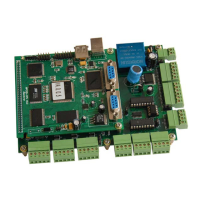
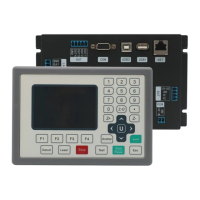
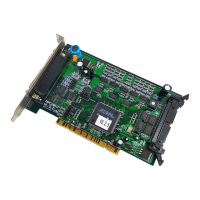
MPC2810 Motion Controller Hardware Manual
21
3 How to Use
3.1 Parameter Setup
The Dialer (U55) on the control card can be used for setting the local ID of each
card if multi cards are applied. The value ranges from 0x0H to 0xFH. Please
refer to the Dialer and local ID correspondence table 3-1.
Fig. 3-1 U55 Dialer
Table 3-1 Dialer and Local ID Correspondence Table
Value of Dialer Local ID No. (Card No.)
0x0H 1
0x1H 2
0x2H 3
0x3H 4
Maximum 4 cards can be used. Maximum ID number should be 0x3H.
If only one card is used, the ID should be 0x0H (default setting).
If four cards are used, 0x0H should be the ID of the first card, 0x1H to the
second card, 0x2H to the third card, and 0x3H to the fourth card.
When it is applied in multi-MPC2810, the coupling relationship between card
and axis numbers are:
Card 1: Axis 1 –4
Card 2: Axis 5 –8
Card 3: Axis 9 –12
Card 4: Axis 13 –16
The functions of batch processing and look-ahead are only valid in axis 1-4.
0
4
8
C


 To Next Page