EN
179
Camera operation
Selecting menu items
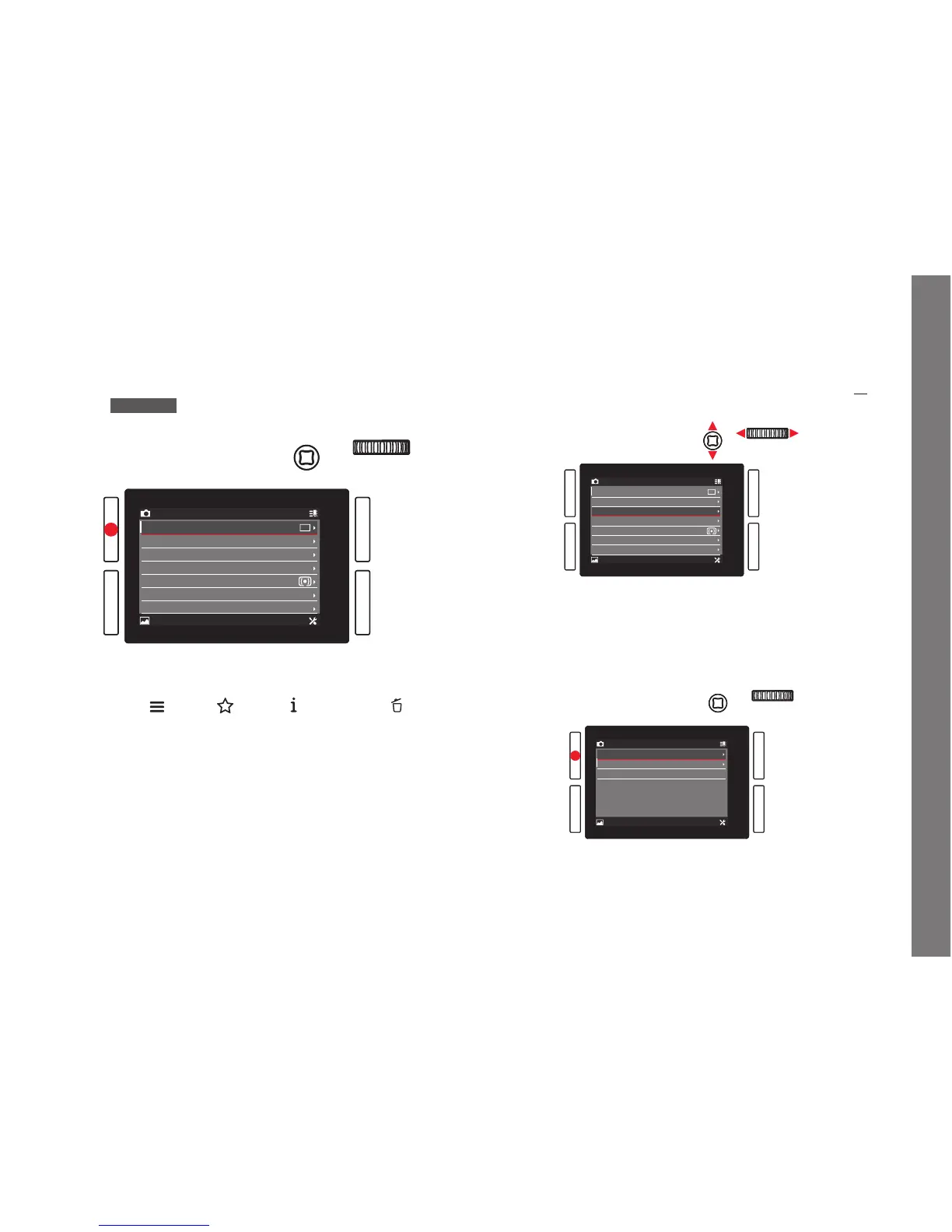
1. Select the first page of a menu section by briefly (≤1s)
pressing the respectively marked button: Three times if the
button function icons are activated, two times if not.
• If you were in recording mode, an intermediate step calls up
the
FAVORITES menu (see p. 184).
• If you were in review mode, an intermediate step initially
displays only the button function icons that are valid in this
situation -
(Menu), (Rating), (Displays), and (Delete).
2. To select the individual menu items
– either turn the click wheel right (= down) or left (= up),
– or press the joystick up or down.
Using these two controls, the items in all three main menu
sections are in one common continuous loop, so they can all
be reached in either direction by scrolling through the list.
To facilitate faster navigation within the three menu sections,
it is also possible to 'jump' directly from page to page by
pressing the relevant button next to the monitor
In this case, each section is itself arranged as a closed
continuous loop.



 To Next Page